


Correos, MRW and GLS Integration for PrestaShop
Manage shipments with Correos, MRW and GLS directly from the PrestaShop backoffice. Generate PDF labels, check real-time tracking and automatically notify the customer with the tracking number. Without leaving PrestaShop. Compatible with PS 1.7.x, 8.x and 9.x.
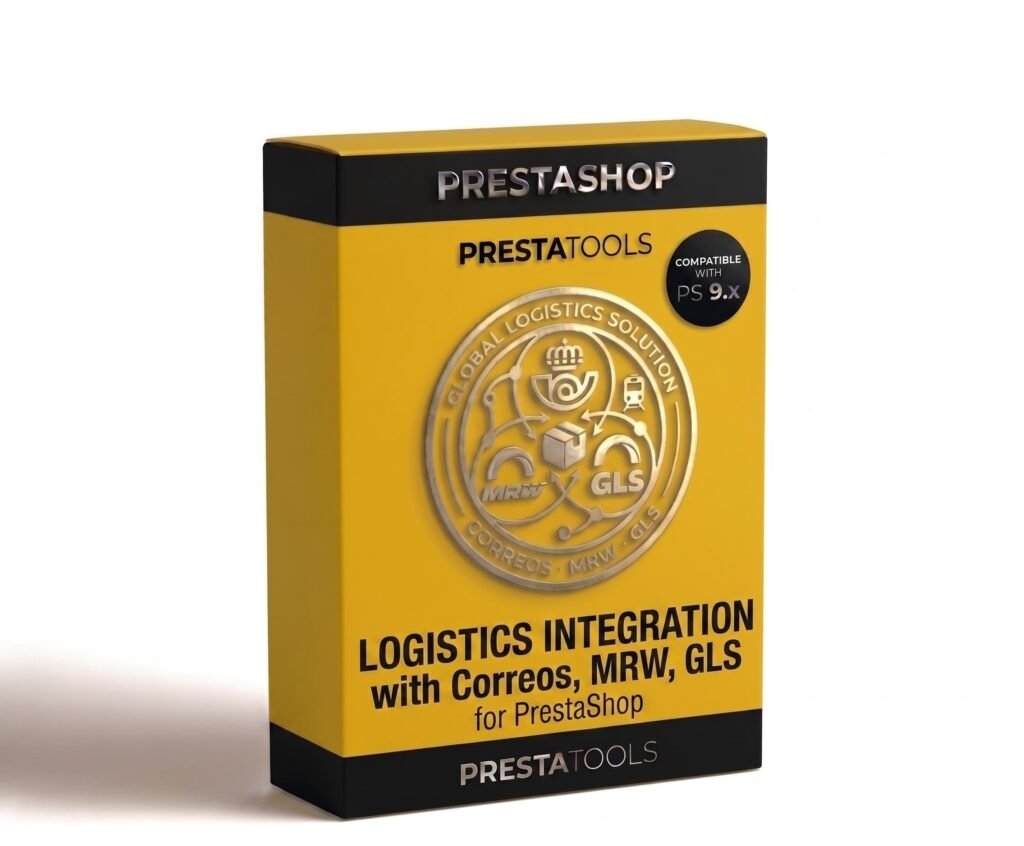
Three carriers, one single panel
Correos, MRW and GLS each have their own platforms, their own APIs and their own processes. That normally means three open tabs, three different logins and manually copying and pasting tracking numbers. Correos, MRW and GLS Integration eliminates that workflow and centralises everything inside the PrestaShop backoffice.
From the detail of each order you can choose the carrier, generate the PDF label, check the shipment status in real time and send the tracking number to the customer. All without leaving PrestaShop.
PDF labels with one click
When the order is ready to ship, open the detail in the backoffice, select the carrier and click "Generate label". The module connects to the corresponding API, creates the shipment and returns the PDF label ready to print.
If you have several orders on the same day, bulk printing lets you select them all and generate the labels at once. No going order by order, no manually copying data into the carrier's platform.
The customer always knows where their order is
As soon as you mark the order as shipped, the module automatically sends the customer an email with the tracking number and a direct link to the corresponding carrier's tracking page. The customer can click and see the status of their shipment in real time without having to contact the store.
The shipment status is also automatically updated in the PrestaShop customer area, so the order history always shows the most up-to-date information without manual intervention.
Set up in minutes, secure credentials
Go to Modules → Correos, MRW and GLS Integration and enter the API credentials for each carrier. The module verifies the connection immediately and alerts you if something is not configured correctly before you attempt to generate your first label.
Each carrier is configured independently. You can have all three active at the same time or only the ones you use regularly. Compatible with each API's sandbox environment for testing before going live in production.
| PrestaShop | 1.7-9.x |
| Minimum Version | 1.7.0 |
| Maximum Version | 9.0.3 |
Quick Info
- PrestaShop
- 1.7-9.x
- Last update
- May 12, 2026
- License
- 1 domain
- Support
- 3 meses
- Languages
- es, en, fr, de
Categories
Need Help?
Our technical team is available to help you with installation and configuration.
Contact SupportRelated Modules
Manage your PrestaShop stock by physical location. Define multiple warehouses, transfer stock between them, automatically assign orders based on availability and keep a complete movement history. Compatible with combinations. Compatible with PS 1.7.x, 8.x and 9.x.

Synchronise your PrestaShop stock with Google Sheets bidirectionally. Update inventory directly from the spreadsheet and changes are automatically reflected in the store. Compatible with combinations and multi-warehouse. Compatible with PS 1.7.x, 8.x and 9.x.
Automatically add Schema.org in JSON-LD format to your PrestaShop store without touching any code. Product, BreadcrumbList, Organization, WebSite and LocalBusiness individually configurable. Compatible with variants and multilanguage. Compatible with PS 1.7.x, 8.x and 9.x.
