


Simplified Multi-Warehouse for PrestaShop
Manage your PrestaShop stock by physical location. Define multiple warehouses, transfer stock between them, automatically assign orders based on availability and keep a complete movement history. Compatible with combinations. Compatible with PS 1.7.x, 8.x and 9.x.
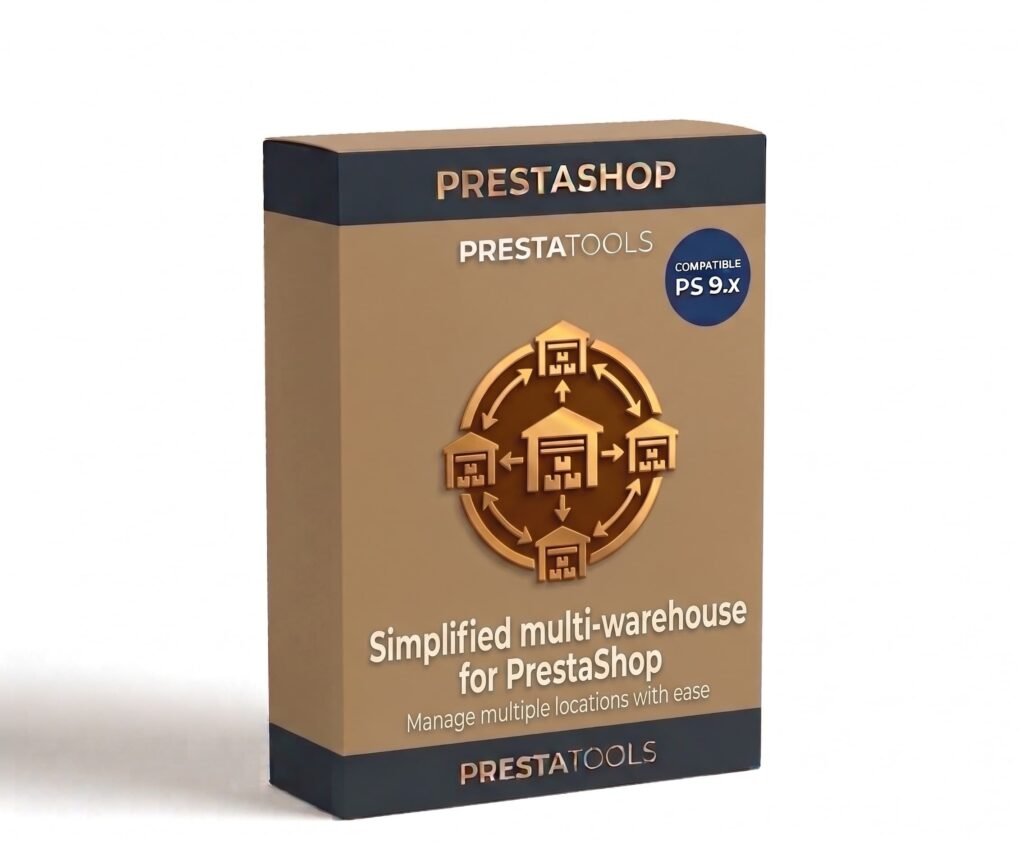
Real stock per location, without parallel spreadsheets
Managing stock across multiple locations without a specific tool means parallel spreadsheets, manual counts and always outdated data. When an order arrives you do not know which warehouse to fulfil it from or whether there is enough stock in the right location.
Simplified Multi-Warehouse centralises everything in the PrestaShop backoffice. Define your locations (physical store, warehouse A, warehouse B), assign each product's stock to each one and the module handles the rest: it deducts stock from the correct location when an order is processed and alerts you when any location falls below the minimum.
Orders always go to the right warehouse
When an order arrives, the module automatically assigns the source location according to the rules you have configured. You can prioritise a specific location, always assign to the warehouse with the most available stock or establish a location hierarchy per product.
If the priority location does not have enough stock, the module automatically looks for the next available location according to the priority order. No manual intervention, no orders assigned to locations without stock.
Complete history of every movement
Every stock entry, exit or transfer is recorded in the history with the date, quantity, source location, destination location and reason for the movement. You can view the complete history of any product at any location from the backoffice.
Transfers between locations take two clicks: select the product, the quantity, the source location and the destination location. The module deducts the stock from one and adds it to the other, recording the movement automatically.
One-click installation, no technical setup
Upload the ZIP from Modules → Module Manager → Upload a module and PrestaShop handles the rest. The module automatically creates the necessary database tables and detects existing products and combinations to assign them stock by location.
Compatible with any database prefix. No need to modify any theme or PrestaShop core files. Existing stock in PrestaShop is assigned to the main location by default until you redistribute it manually.
| PrestaShop | 1.7-9.x |
| Minimum Version | 1.7.0 |
| Maximum Version | 9.0.3 |
Quick Info
- PrestaShop
- 1.7-9.x
- Last update
- May 13, 2026
- License
- 1 domain
- Support
- 3 meses
- Languages
- es, en, fr, de
Categories
Need Help?
Our technical team is available to help you with installation and configuration.
Contact SupportRelated Modules
Synchronise your PrestaShop stock with Google Sheets bidirectionally. Update inventory directly from the spreadsheet and changes are automatically reflected in the store. Compatible with combinations and multi-warehouse. Compatible with PS 1.7.x, 8.x and 9.x.
Automatically add Schema.org in JSON-LD format to your PrestaShop store without touching any code. Product, BreadcrumbList, Organization, WebSite and LocalBusiness individually configurable. Compatible with variants and multilanguage. Compatible with PS 1.7.x, 8.x and 9.x.

Manage 301, 302 and 410 redirects from the PrestaShop backoffice without touching the .htaccess. Automatically detect broken URLs, import and export in CSV and track visit counts per redirect. Compatible with PS 1.7.x, 8.x and 9.x.
