


BadgePro — Custom Product Labels for PrestaShop
Add automatic visual labels to your PrestaShop products: New, Low Stock, Best Seller, Sale and Out of Stock. You can also create manual labels with custom colors and text. Displayed on the product page and in category listings. Compatible with PS 1.7, 8.x and 9.x.
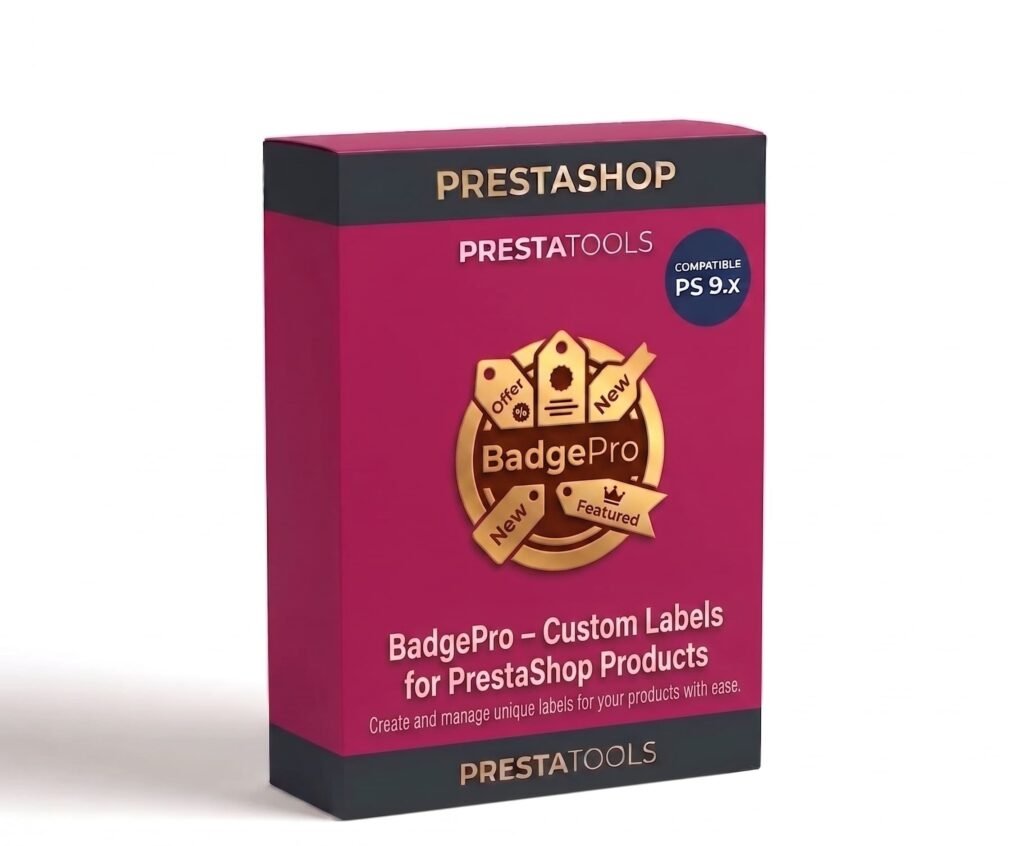
El módulo en acción
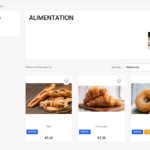
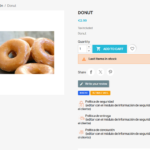
Automatic rules — no manual configuration needed
Badge Pro evaluates each product in real time and applies the label that matches the configured rule. New activates during the first N days after product creation (configurable). Low Stock appears when available units fall below the defined threshold. Best Seller activates when the product exceeds the configured number of units sold. On Sale automatically detects whether the product has an active reduced price. Out of Stock is shown when the available quantity is zero.
You don't need to manually review or update labels. The module applies and removes them automatically when the condition is no longer met.
Manual labels for campaigns and highlights
In addition to automatic rules, you can create fully custom labels and assign them manually to any products you choose. Useful for one-off campaigns ("Online exclusive", "This weekend only", "Team favourite") without needing to create specific rules.
From the backoffice you can see at any time which products have each manual label assigned, add new products to the list, or remove them with one click.
100% customisable design
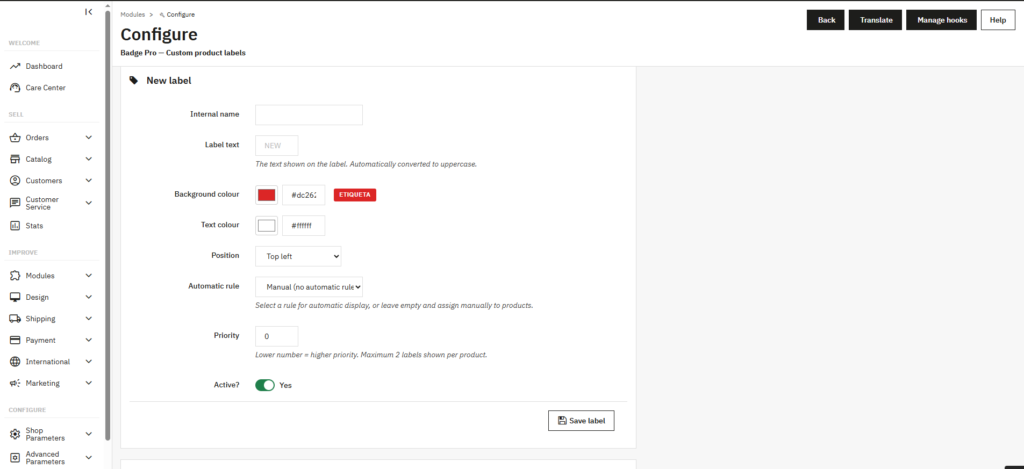
Each label has its own background color and text color configurable with a visual color picker. The configuration panel shows a real-time preview of the badge as you change the colors and text, with no need to save to see the result.
The label text is automatically converted to uppercase to maintain visual consistency. The position (top-left, top-right, bottom-left, bottom-right) is also configurable per label, which allows combining two badges in different positions without overlapping.
| PrestaShop | 1.7-9.x |
| Minimum Version | 1.7.0 |
| Maximum Version | 9.0.3 |
Quick Info
- PrestaShop
- 1.7-9.x
- Last update
- June 2, 2026
- License
- 1 domain
- Support
- 3 meses
- Languages
- es, en, fr, de
Categories
Need Help?
Our technical team is available to help you with installation and configuration.
Contact SupportRelated Modules
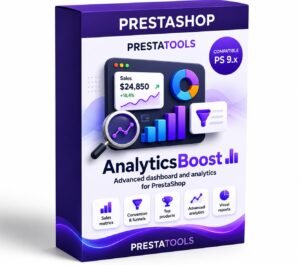
Want to better understand your PrestaShop store performance and sales? AnalyticsBoost adds visual dashboards, advanced metrics and conversion funnels to help you make better business decisions.
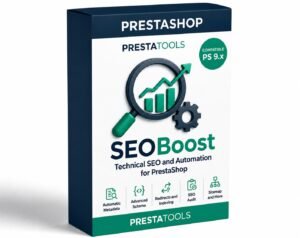
Want to improve your PrestaShop SEO and rank higher on Google? SEOBoost automates metadata, schema, redirects and technical SEO optimization to increase traffic and visibility.
Need to comply with GDPR and Google Consent Mode in PrestaShop? CookieBoost adds a modern cookie banner, automatic script blocking and advanced consent management to improve privacy and legal compliance.
