


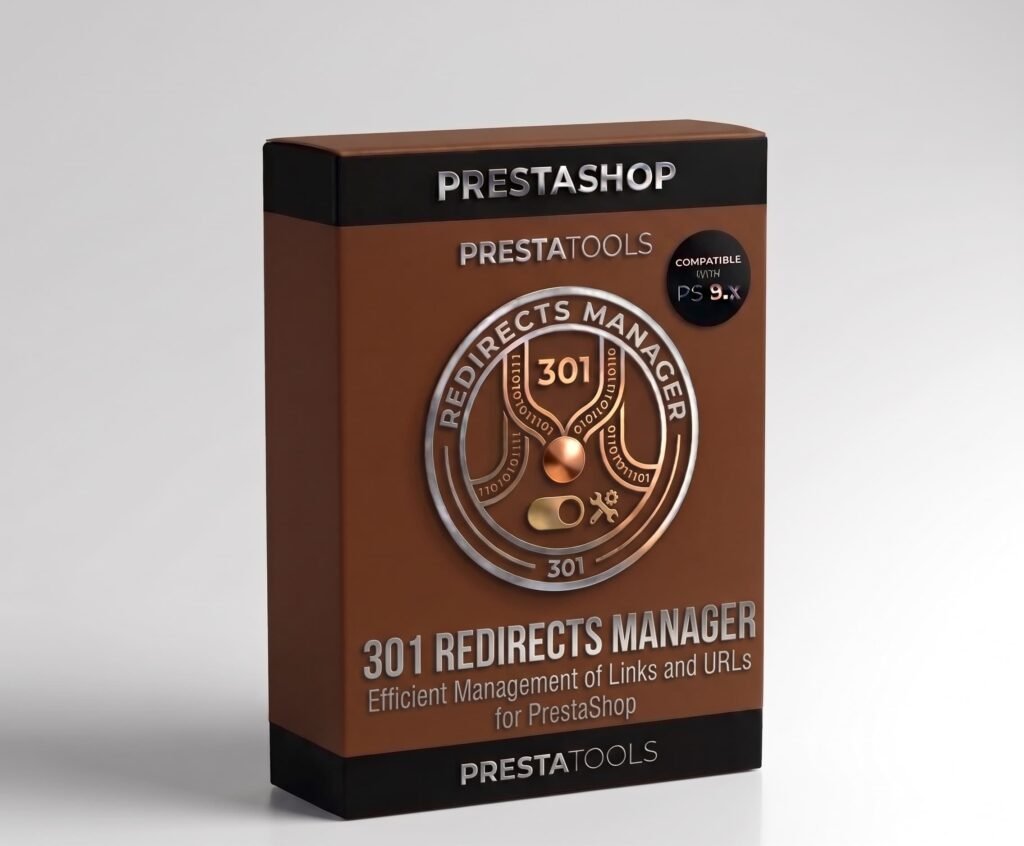
301, 302 and 410 Redirect Manager for PrestaShop
Manage 301, 302 and 410 redirects from the backoffice without touching .htaccess. Import and export CSV and track visit counters per redirect. Compatible with PS 1.7.x, 8.x and 9.x.
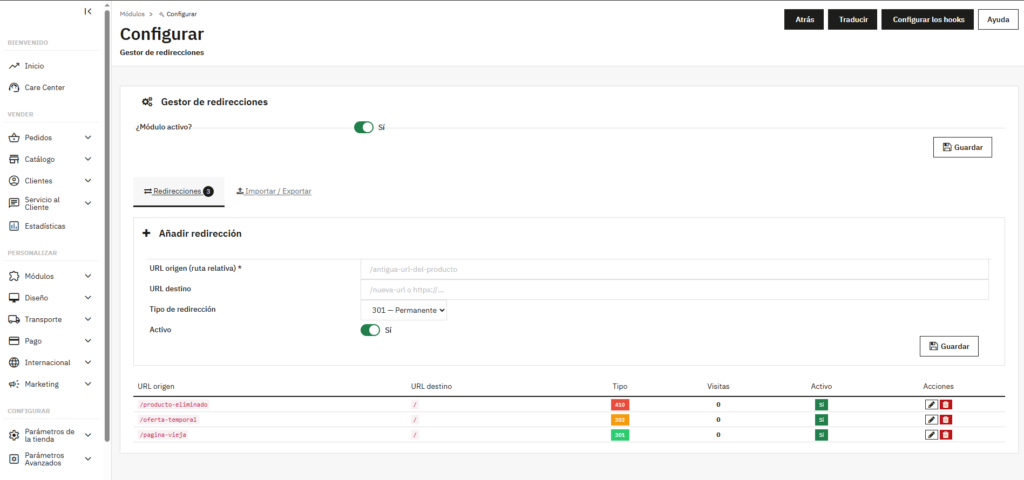
El módulo en acción
What types of redirects can I configure
The module supports three types: 301 (permanent) for definitive URL changes, 302 (temporary) for provisional redirects and 410 (gone) to tell Google a page no longer exists and should stop being indexed. Each type has a different SEO impact and the module lets you choose the right one for each case.
Migrations without losing rankings
When you migrate a store, change URL structure or reorganise your catalogue, you lose accumulated rankings on all old URLs if you don't configure redirects correctly. A properly configured 301 redirect transfers the SEO value from the old URL to the new one.
For large migrations, the module lets you import a CSV file with all redirects at once. Prepare the CSV with source and destination URLs, import it and all redirects are active in seconds. You can also export current redirects to CSV for backups or to transfer them to another store.
One-click installation, no technical setup
Upload the ZIP from Modules → Module Manager → Upload a module and PrestaShop handles the rest. The module automatically creates the necessary database tables and starts logging 404 errors from the moment of installation.
Compatible with any database prefix and with MultiShop installations. No need to modify any theme or PrestaShop core files.
| PrestaShop | 1.7-9.x |
| Minimum Version | 1.7.0 |
| Maximum Version | 9.0.3 |
Quick Info
- PrestaShop
- 1.7-9.x
- Last update
- May 12, 2026
- License
- 1 domain
- Support
- 3 meses
- Languages
- es, en, fr, de
Categories
Need Help?
Our technical team is available to help you with installation and configuration.
Contact SupportRelated Modules
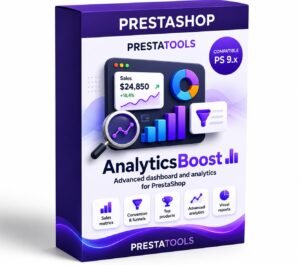
Want to better understand your PrestaShop store performance and sales? AnalyticsBoost adds visual dashboards, advanced metrics and conversion funnels to help you make better business decisions.

Want to improve your PrestaShop SEO and rank higher on Google? SEOBoost automates metadata, schema, redirects and technical SEO optimization to increase traffic and visibility.

Need to comply with GDPR and Google Consent Mode in PrestaShop? CookieBoost adds a modern cookie banner, automatic script blocking and advanced consent management to improve privacy and legal compliance.
