


Custom Checkout Fields for PrestaShop
custom checkout fields, extra fields prestashop, custom checkout prestashop, additional order fields, prestashop checkout module, custom fields prestashop, checkout form fields, personalise checkout prestashop
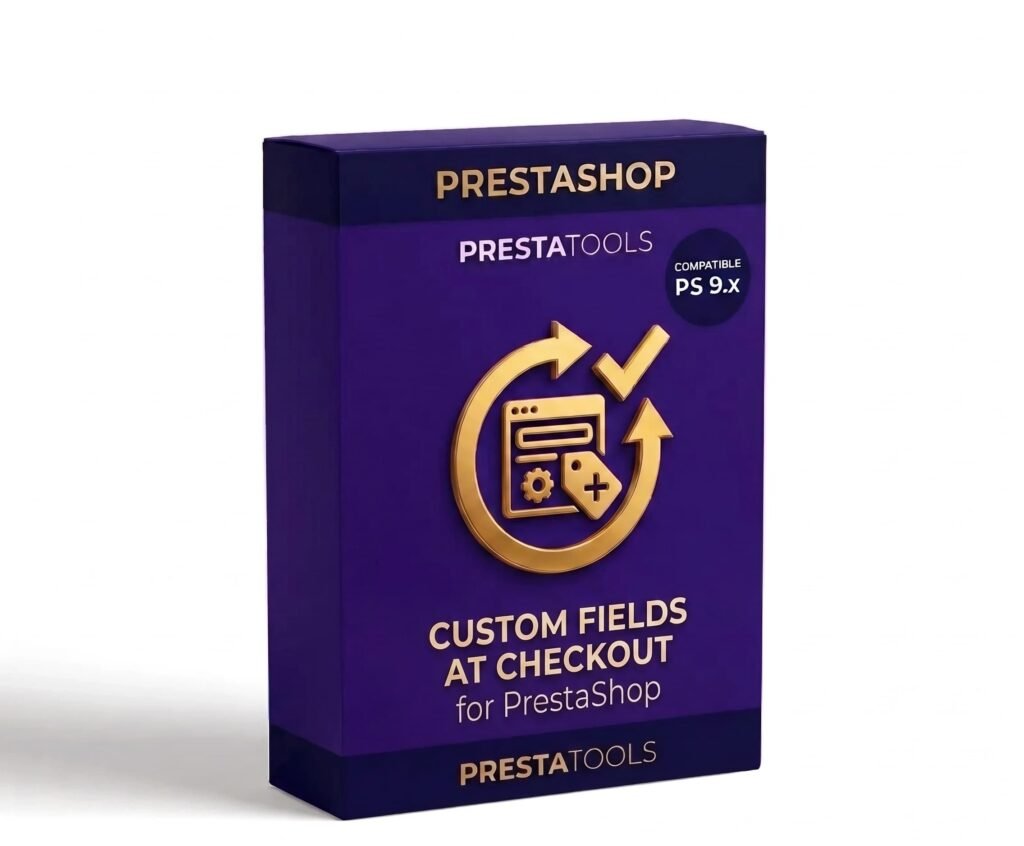
No code. No developer. Done in minutes.
Go to Modules → Custom Checkout Fields and create your first field in under 2 minutes. Choose the type, write the label in all four languages, select which checkout step you want it to appear in and save. The field is immediately live in your store.
No template editing, no PHP, no need to hire a developer for something as common as asking for a VAT number, delivery instructions or the name of a gift recipient.
All customer information, stored in the order
The values entered by the customer are saved directly to the order. You can view them at any time from Orders → order detail in the backoffice, alongside the rest of the customer's information.
If enabled, the fields also appear at the end of the confirmation email the customer receives, so both the buyer and the store team always have the information at hand without having to search for it in the backoffice.
Common use cases
Some examples of what you can do with the module:
- Food stores: text field for delivery instructions or allergy information.
- Gifts and personalisation: text field for a dedication message or the recipient's name.
- B2B: field for company VAT number, internal purchase order number or customer reference.
- Florists or catering: date field for the delivery or checkbox to confirm the order is a gift.
- Any sector: dropdown to choose the collection point, delivery slot or packaging type.
One-click installation, no technical setup
Upload the ZIP from Modules → Module Manager → Upload a module and PrestaShop handles the rest. The module automatically creates the necessary database tables.
Compatible with any database prefix and with MultiShop installations. No additional configuration required to start creating fields.
| PrestaShop | 1.7-9.x |
| Minimum Version | 1.7.0 |
| Maximum Version | 9.0.3 |
Quick Info
- PrestaShop
- 1.7-9.x
- Last update
- May 11, 2026
- License
- 1 domain
- Support
- 3 meses
- Languages
- es, en, fr, de
Categories
Need Help?
Our technical team is available to help you with installation and configuration.
Contact SupportRelated Modules
Manage your PrestaShop stock by physical location. Define multiple warehouses, transfer stock between them, automatically assign orders based on availability and keep a complete movement history. Compatible with combinations. Compatible with PS 1.7.x, 8.x and 9.x.
Synchronise your PrestaShop stock with Google Sheets bidirectionally. Update inventory directly from the spreadsheet and changes are automatically reflected in the store. Compatible with combinations and multi-warehouse. Compatible with PS 1.7.x, 8.x and 9.x.
Automatically add Schema.org in JSON-LD format to your PrestaShop store without touching any code. Product, BreadcrumbList, Organization, WebSite and LocalBusiness individually configurable. Compatible with variants and multilanguage. Compatible with PS 1.7.x, 8.x and 9.x.
