ES
ES  EN
EN  FR
FR The 5 Most Common Mistakes When Installing Modules in PrestaShop
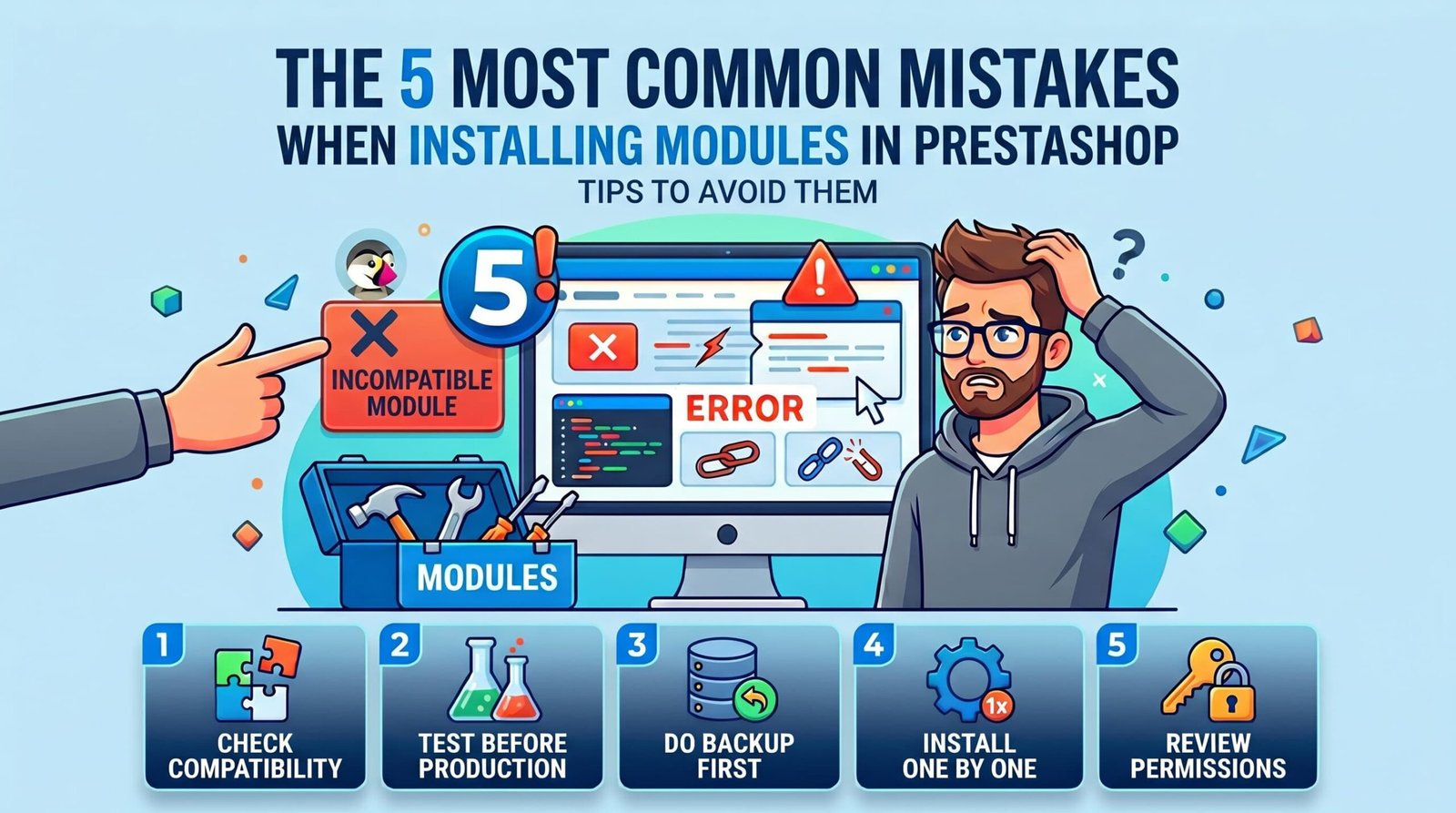
Installing a module in PrestaShop seems straightforward. You upload the file, click install, and you’re done. But in practice, many stores end up with errors, white screens, or broken functionality after an installation that “should have worked”.
In this article we cover the 5 most common mistakes we see in real PrestaShop stores, and how to avoid them before they affect your business.
1. Not Checking Compatibility Before Installing
The most common mistake and the most avoidable. Every module has a compatible version range: PrestaShop 1.6, 1.7, 8.x, PHP 7.4, PHP 8.1… If you install a module designed for PS 1.6 on a store running PS 8, the result can range from a simple warning to a fatal error that makes your store inaccessible.
What to do: Before buying or installing any module, check the product page for supported versions. If the module doesn’t specify compatibility with your version of PrestaShop and PHP, don’t install it.
An incompatible module doesn’t just fail — it can corrupt data or make the back office inaccessible.
2. Installing Directly on Production Without Testing First
Your store is live. You have orders, customers, and traffic. Installing a new module directly in that environment is risky even if the module is from a trusted source.
Modules can conflict with others you already have installed, modify database tables irreversibly, or change the behavior of features that were already working correctly.
What to do: Maintain a staging environment (a copy of your store on a subdomain or test server) where you can install and validate any changes before applying them to production. If you don’t have staging, at least make a full backup before installing.
3. Not Making a Backup Before Installing
Related to the previous point, but worth its own mention because it has the most severe consequences. If something goes wrong during installation and you have no backup, you could lose customer data, orders, or configurations that took weeks to set up.
What to do: Before installing any module, back up your database and server files. Tools like PrestaShop’s built-in backup, phpMyAdmin, or an automatic backup plugin can do it in minutes.
A backup you never need is worth far less than one you need and don’t have.
4. Installing Too Many Modules at Once
When something breaks after installing three modules at the same time, which one is to blame? You don’t know. And uninstalling all of them to get back to your starting point can cost more time than installing them one by one in the first place.
Additionally, every module adds hooks, SQL queries, and extra logic. The more active modules your store has, the higher the probability of conflicts and the more performance suffers.
What to do: Install one module, test it for at least 24-48 hours across all key features (checkout, cart, back office), and only then move on to the next. Fewer well-chosen modules is always better than many installed without criteria.
5. Ignoring File and Folder Permissions
PrestaShop needs to write to certain server folders to install modules correctly: caches, logs, images, configuration files. If the permissions on those folders are incorrect, the installation may appear successful but the module won’t work properly or will fail at the worst possible moment.
This problem is especially common in installations migrated from one server to another or on hosting environments with restrictive configurations.
What to do: Make sure the folders /var/cache, /var/logs, /img and /modules have permissions 755 or 775 depending on your server configuration. If in doubt, check with your hosting provider.
Conclusion
Most module problems in PrestaShop don’t come from the module itself, but from how it’s installed. Checking compatibility, having a test environment, making backups, installing one at a time, and verifying permissions are habits that make the difference between a smooth installation and an afternoon of emergencies.
At PrestaTools we develop modules designed to minimize these risks: clean code, conflict-free installation, and documented compatibility with every version of PrestaShop.
¿Buscas módulos PrestaShop que no fallen cuando tu tienda crece?
En PrestaTools desarrollamos módulos pensados para entornos reales. Código limpio, sin impacto en velocidad y soporte técnico directo.
Ver catálogo de módulos →