


PrestaShop Chat Module – WhatsApp & Chat for Your Online Store
Do your customers leave your store because they can’t easily contact you? With this module, you can quickly add a floating WhatsApp and chat button to your PrestaShop store, allowing you to answer questions instantly and avoid losing sales.
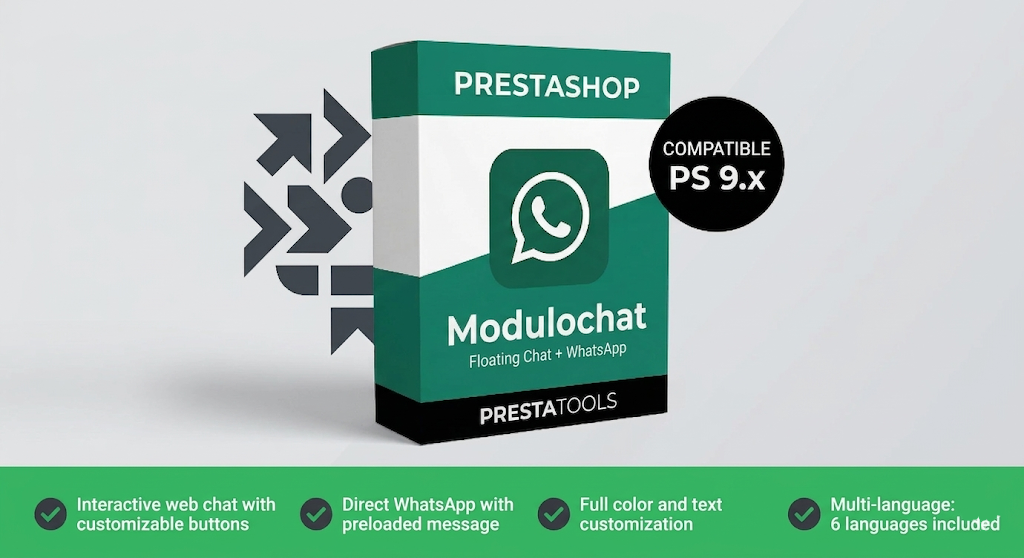
El módulo en acción
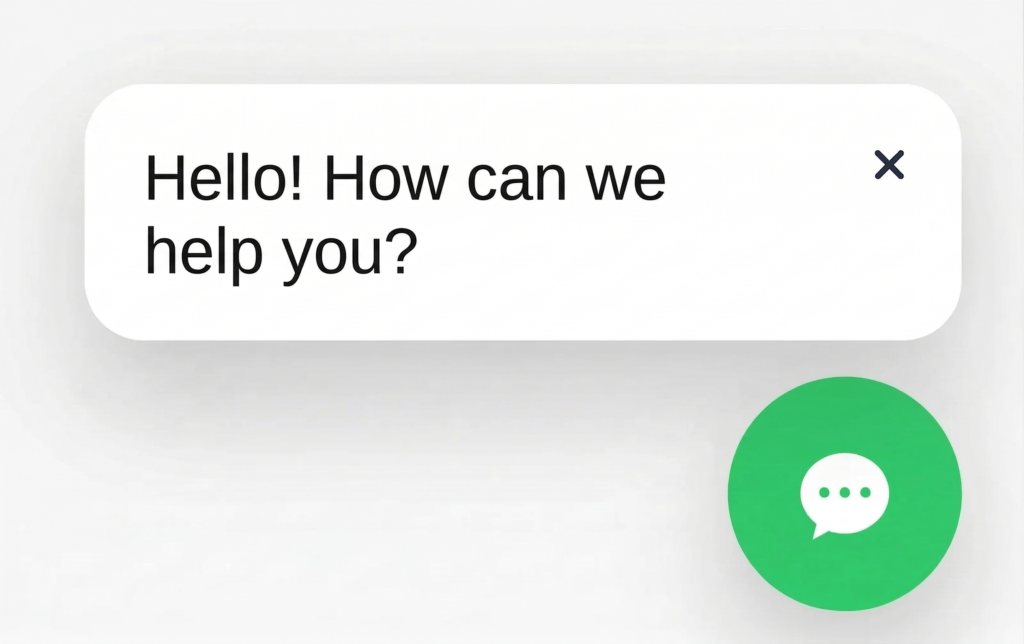

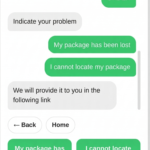
Two contact modes
Direct WhatsApp: Your customer clicks the floating button and WhatsApp opens automatically with your phone number and a preloaded message, ready to send. Ideal if you already manage customer service via WhatsApp Business.
Interactive web chat: A chat panel opens with configurable options. You can create buttons with automatic responses to resolve the most frequent questions (shipping, returns, hours, payment methods…) without manual intervention. Each button can redirect to WhatsApp with a single click.
Tree button system
Create complete conversation flows with up to 4 buttons per level and unlimited sub-levels. Each button can display an automatic text response or open WhatsApp.
Example: the customer clicks "Shipping information" → "Delivery times", "Order tracking" and "International shipping" appear → the customer chooses the one they need and receives the answer instantly.
This reduces your customer service team's workload and improves the shopping experience, which directly translates into more sales and fewer abandoned carts.
Full visual customization
Adapt the chat appearance to your brand identity from the admin panel:
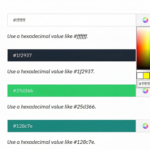
- 4 customizable colors (background, text, buttons and header) with visual palette.
- Configurable chat font.
- Floating icon position in any of the 4 corners.
- Custom initial message as a floating bubble.
- Chat title and welcome text.
All without touching a single line of code.
Native multilanguage
All chat texts are configurable per language from the admin panel. The module automatically detects the customer's language.
Includes translations in 6 languages: Spanish, English, German, French, Italian and Portuguese. If you need another language, you can add it from International → Translations.
Performance and security
Lightweight: Loads a single CSS file and a single JS file, with no external dependencies. No AJAX requests or server resource consumption. Your store will continue loading just as fast.
Secure: CSRF protection with a dedicated token on all panel actions. Server-side validation of all inputs. Content escaping in all templates to prevent XSS attacks.
Technical requirements and compatibility
| PrestaShop | 1.7.8, 8.x, 9.x (including 9.0.3) |
| PHP | 7.4 or higher (PHP 8+ compatible) |
| Themes | Classic, Hummingbird and third-party themes |
| Browsers | Chrome, Firefox, Safari, Edge |
| Responsive | Yes — mobile, tablet and desktop |
| CSS | Isolated from theme, no conflicts |
💬 Adding a chat system to your PrestaShop store is one of the most effective ways to improve communication with your customers and increase conversions.
With this module, you can easily integrate WhatsApp into your online store and provide a direct contact channel to answer questions in real time, improve customer support, and avoid losing sales.
Many ecommerce stores use live chat and WhatsApp to respond quickly, build trust, and guide customers through the buying process.
If you're looking for a simple solution to add chat to PrestaShop without complications, this module allows you to do it in just a few minutes.
👉 View complete guide to add WhatsApp to PrestaShop| PrestaShop | 1.7.8-9.x |
| Minimum Version | 1.7.8 |
| Maximum Version | 9.0.3 |
| PHP Required | 7.4+ |
Quick Info
- Version
- 1.0.0
- PrestaShop
- 1.7.8-9.x
- PHP
- 7.4+
- License
- 1 domain
- Support
- 3 months
- Languages
- es, en, de, fr, it, pt
Categories
Need Help?
Our technical team is available to help you with installation and configuration.
Contact SupportRelated Modules

Want to better understand your PrestaShop store performance and sales? AnalyticsBoost adds visual dashboards, advanced metrics and conversion funnels to help you make better business decisions.

Want to improve your PrestaShop SEO and rank higher on Google? SEOBoost automates metadata, schema, redirects and technical SEO optimization to increase traffic and visibility.

Need to comply with GDPR and Google Consent Mode in PrestaShop? CookieBoost adds a modern cookie banner, automatic script blocking and advanced consent management to improve privacy and legal compliance.
