 ES
ES  EN
EN  FR
FR 
If you have a PrestaShop store, adding WhatsApp as a contact channel is one of the quickest improvements you can make to increase customer trust and reduce cart abandonment. In this article we cover all the available options, from the most basic to the most complete.
Why Add WhatsApp to Your PrestaShop Store?
WhatsApp is the most widely used messaging channel in Spain and Latin America. Many buyers prefer to quickly resolve a question via WhatsApp before completing a purchase, especially in stores they don’t know yet. Having a visible WhatsApp button reduces friction and instantly builds trust.
Stores that add a direct chat channel typically see notable improvements in conversion rates for mid-to-high ticket products, precisely because the customer can resolve their doubt at the moment they’re about to buy.
Option 1: The Manual Method (Without a Module)
You can add a WhatsApp link directly into your theme’s code. The link format is:
Replace YOURNUMBER with your phone number in international format, without the + symbol or spaces. For example, for a Spanish number: https://wa.me/34612345678
To add it to your store you would need to edit the footer.tpl file of your theme and add a button with that link. The problem with this method is that it requires technical knowledge, is not customizable without touching code, and if you update your theme you lose the changes.
Option 2: Using a PrestaShop Chat Module
The most complete and risk-free option is to install a dedicated module. A good PrestaShop chat module allows you to:
- Display a floating WhatsApp button throughout the store
- Configure the phone number and welcome message from the admin panel
- Enable or disable the button per device (mobile, desktop)
- Add multiple agents with different numbers
- Customize colors and position without touching code
At PrestaTools we have developed the PrestaShop Chat Module, which combines WhatsApp with an interactive web chat system. It is compatible with PrestaShop 1.7, 8.x and 9.x, and installs in less than 5 minutes without modifying any core files.
ModuloChat — WhatsApp and chat for PrestaShop
Floating WhatsApp button, multiple agents and interactive web chat. No code needed. Compatible with PS 1.7, 8.x and 9.x.
View ModuloChat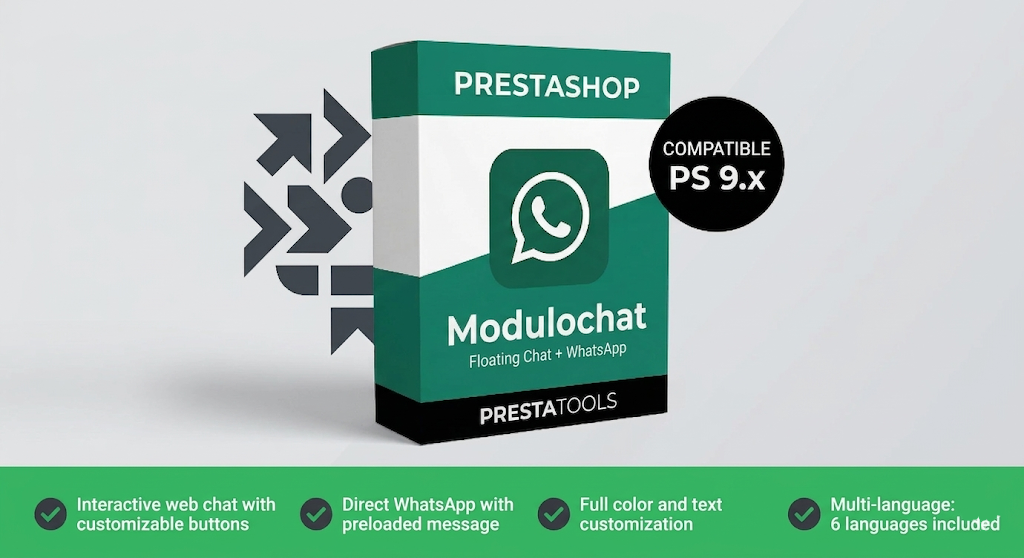
Comparison: Manual Method vs Module
| Criteria | Manual Method | Module |
|---|---|---|
| Installation | ⚠️ Requires editing code | ✅ No code needed |
| Customization | ⚠️ Only with code | ✅ From the admin panel |
| Theme updates | ❌ Changes are lost | ✅ Independent of theme |
| Technical support | ❌ On your own | ✅ Included |
| Cost | ✅ Free | ⚠️ One-time payment |
| Multiple agents | ❌ No | ✅ Yes |
Which Is the Best Option for Your Store?
If you’re just starting out and have technical knowledge, the manual method can work temporarily. But if you want a stable, updatable solution with no risk of losing settings every time you update your theme, a module is the right choice.
The cost difference is minimal compared to the time you save and the sales you can recover by having a direct contact channel always visible.
Conclusion
Adding WhatsApp to your PrestaShop store is one of the best cost-benefit improvements you can implement today. Whether with the manual method or a module, what matters is that your customers can reach you easily at the moment they’re about to buy.
If you want the most complete solution without technical complications, take a look at our module:
¿Buscas módulos PrestaShop que no fallen cuando tu tienda crece?
En PrestaTools desarrollamos módulos pensados para entornos reales. Código limpio, sin impacto en velocidad y soporte técnico directo.
Ver catálogo de módulos →Artículos relacionados



Found it useful? Share it:
