ES
ES  EN
EN  FR
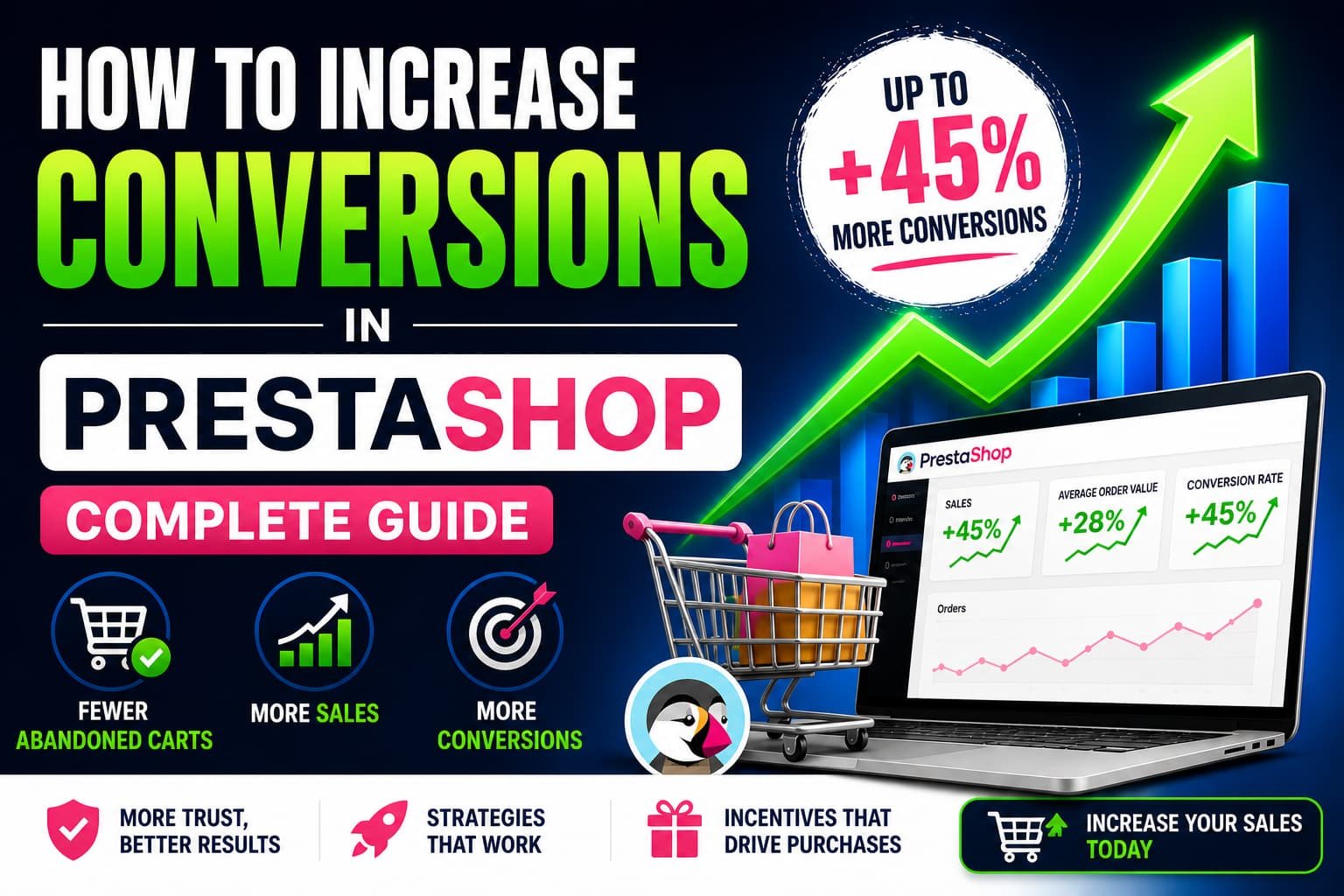
FR How to increase conversions in PrestaShop (complete guide)
You have traffic. You have products. You have visitors.
But sales are not coming in the way they should.
This is the most common problem in PrestaShop stores with some history behind them: the traffic is there, the interest is there, but something happens between the moment a customer arrives and the moment they should pay.
And that something is not always easy to identify.
In this guide we will look at why it happens, what causes it and what you can do to genuinely improve your conversions — without empty marketing tricks or solutions that overpromise.
Why your PrestaShop store is not converting
The average ecommerce conversion rate hovers around 2–3%. That means that out of every 100 people who visit a store, 97 leave without buying. In many PrestaShop stores the figure is even worse.
The most common causes are:
Cart abandonment
The customer reaches the cart but does not complete the purchase. This can happen for many reasons:
- Shipping costs that appear late and catch the customer off guard
- A checkout process that is too long or has unnecessary steps
- Last-minute doubts that nobody resolves
- No motivation to close the order now rather than tomorrow
A complex checkout with too many steps
Every extra step in the purchase process is an opportunity for the customer to leave.
Long forms, mandatory registration before payment or a lack of payment options are the main culprits.
Lack of trust
A customer who does not know your store needs signals that convey security.
If there are no reviews, trust badges, clear returns information or visible contact details, they will very likely leave before paying.
Slow page loading
Every second a page takes to load reduces conversions. On mobile, the impact is even greater.
A poorly optimised PrestaShop store may be losing sales for this reason alone, without anyone realising.
Underdeveloped product pages
Low-quality photos, generic descriptions copied from the supplier or missing key information (sizes, materials, delivery times) create doubts that the customer resolves by going to another store.
What are abandoned carts in PrestaShop
An abandoned cart is one in which a customer has added one or more products but has not completed the payment process.
PrestaShop records these carts in the back office, under Orders → Shopping Carts. There you can see in real time:
- Which products each customer has in their cart
- The total amount accumulated
- How long the cart has been sitting without being completed
The real impact on sales
Industry studies put the average cart abandonment rate in ecommerce at between 65% and 75%. That means almost three out of every four carts never become an order.
For a store with an average order value of €60 and 500 carts per month, that can represent more than €20,000 in sales that never materialise. Sales that were almost closed.
The difference between an abandoned cart and a completed order is often not the price or the product. It is what happens in those last few minutes before the customer decides whether to pay or leave.
Imagine a customer has €43 in their cart and free shipping starts at €50. If they do not know how close they are, they will probably abandon. If they see a bar that says «You are only €7 away from free shipping», there is a good chance they will add something else.
This is exactly what CartBoost does: show that message at the right moment, in the right place, without the customer having to look for anything.
How to recover abandoned carts in PrestaShop
Not all abandoned carts can be recovered, but a significant proportion can be if you act at the right moment and with the right incentive.
Recovery emails
The most widely used method. It involves sending an automatic reminder to the customer a few hours after they abandoned the cart.
If you have their email (because they registered or logged in), you can recover between 5% and 15% of carts with a well-configured sequence.
The key is not the discount: it is the timing and the message. A first reminder email without a discount often works well. If it does not convert, a second email with a small incentive can close the sale.
Real-time incentives inside the cart
Acting before the customer abandons is more effective than trying to recover them afterwards.
Showing a message inside the cart such as «You are €8 away from free shipping» triggers what behavioural psychology calls loss aversion.
The customer perceives they are about to lose something they almost have, and that pushes them to add one more product. This type of incentive:
- Does not require heavy discounts
- Does not depend on the customer having an account
- Works at the exact moment of decision
- Needs no follow-up email campaign
Simplifying the payment process
Check how many steps there are between the cart and the order confirmation in your store. If there are more than three or four, you are losing conversions.
Allowing guest checkout (without mandatory registration) can increase conversions by between 20% and 35% in stores that previously required it.
Showing shipping costs as early as possible
Unexpected shipping costs are the number one cause of checkout abandonment.
Showing the estimated cost from the product page or from the cart, before the customer reaches checkout, significantly reduces this type of abandonment.
Strategies to increase conversions in PrestaShop
Optimise the checkout
PrestaShop’s default checkout is functional, but it can be improved. Some concrete actions with a direct impact on conversions:
- Enable guest checkout
- Reduce form fields to the bare minimum
- Show a progress indicator during the process (step 1 of 3)
- Display secure payment badges and accepted payment methods prominently
- Make the returns policy accessible from within the checkout
Improve page load speed
In PrestaShop there are several levers to improve performance without changing the theme or touching the code:
- Enable CCC compression (CSS, JS and HTML) from Advanced Parameters → Performance
- Serve images in WebP format
- Use a server-level cache system (LiteSpeed, Varnish)
- Review active modules and deactivate those that add no value — every module that loads JS or CSS on the frontend has a real cost in milliseconds
Build trust
A customer who does not trust your store will not buy, even if the price is right. The elements that most influence trust are:
- Reviews from real customers (with photos if possible)
- A clear and accessible returns policy
- A visible phone number or live chat
- An active SSL certificate (https)
- Security badges visible during the payment process
Optimise the cart page
The cart page is where the purchase decision is made. Yet many stores treat it as a simple product summary with no element that motivates the customer to complete their order.
Adding a visible incentive — a progress bar, a free shipping message, a reminder of the returns policy — on that screen can be the difference between an abandoned cart and a completed order.
How to increase average order value in PrestaShop
Increasing conversions is not the only thing that matters. If each order is worth more, the same customers generate more revenue without needing to attract more traffic.
Cross-selling and related products
PrestaShop lets you configure related products and accessories from the back office. Displaying them on the product page and in the cart is one of the simplest ways to increase the average order value.
The key is that the recommendation is relevant. A customer buying a camera does not need to see pens — they need to see memory cards, cases or tripods.
Volume-based incentives
Setting reward thresholds is one of the most effective techniques for increasing average order value. Here is how it works:
- You define a target amount (for example, €50)
- When the customer gets close to that amount, you show them how much they still need
- Once they exceed it, they automatically receive a concrete benefit
The most effective benefits are free shipping and automatic discounts, because the customer does not have to do anything to get them — just add one more product.
Bundles and product packs
Grouping products into packs at a slightly lower price than buying them separately is another way to increase the average order value.
The customer perceives they are saving money, and you sell more units per transaction.
Automatically applied discounts
Discount codes have a problem: they require the customer to have them, remember them and enter them. Many abandon if they cannot find the field or if the code does not work.
Discounts that apply automatically when the cart exceeds a threshold eliminate all that friction. The customer sees the discount applied without doing anything, and that reinforces the purchase decision.
Set a €60 target with a 5% automatic discount. When the customer reaches €55, show them: «You are only €5 away from a 5% discount on your order». No codes, no friction. The coupon applies automatically once they cross the threshold.
This is what CartBoost lets you do in just a few clicks from the PrestaShop admin panel.
CartBoost — Increase conversions and average order value in PrestaShop
Progress bar, automatic incentives and threshold discounts. No code required. Compatible with PS 1.7, 8.x and 9.x.
View CartBoost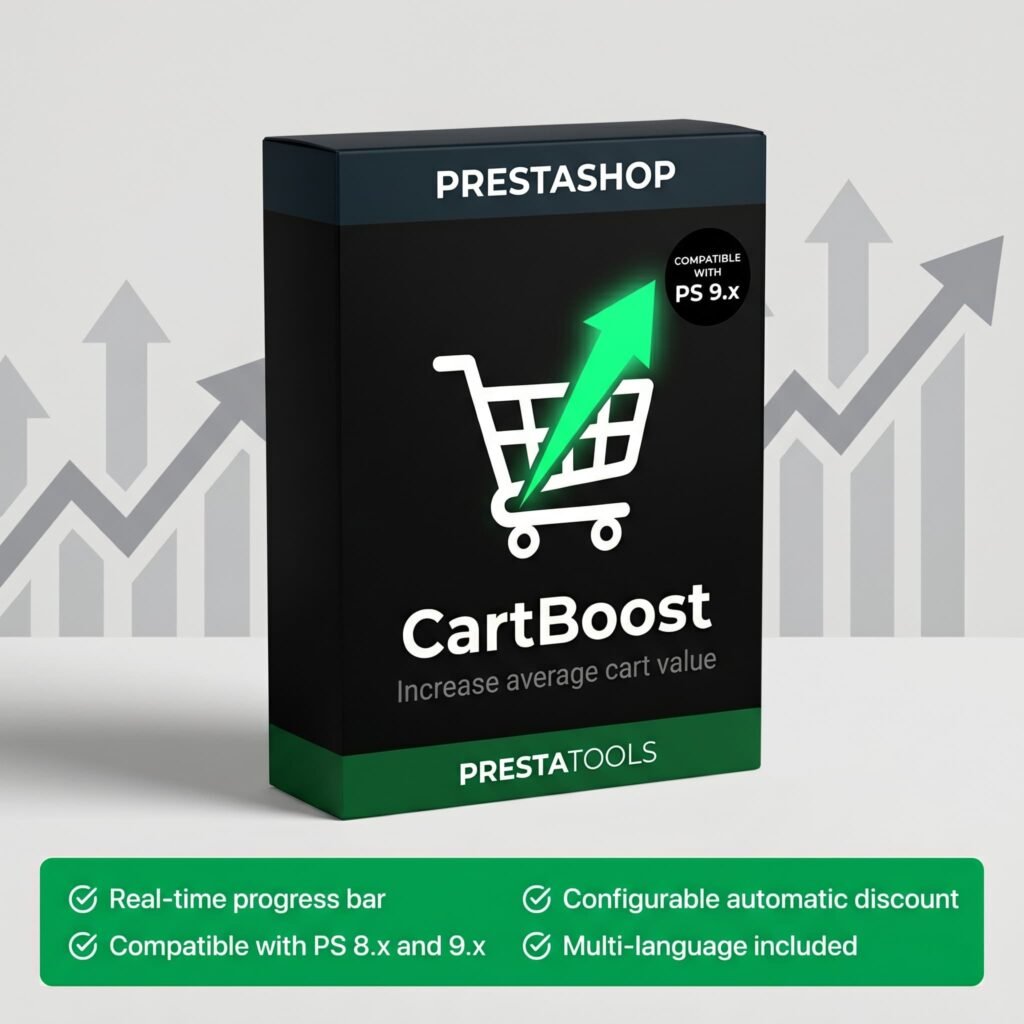
Recommended tools and modules for PrestaShop
PrestaShop has a broad ecosystem of modules, but not all of them are well built or maintain compatibility across versions.
Before installing any module, it is worth verifying that it is up to date, has active support and will not conflict with other installed modules.
That said, some categories have a direct impact on conversions:
Cart recovery modules
These allow you to send automatic emails to customers who have left a cart incomplete. They are useful, but depend on the customer having an account or having entered their email before abandoning.
Incentive and progress bar modules
These act before the customer abandons, which is where they have the greatest impact. They show in real time how close the customer is to reaching a goal (free shipping, discount, gift), motivating the purchase at the exact moment of decision.
One example is CartBoost, a module developed specifically for this purpose. It allows you to:
- Set a target amount with a customisable message
- Display an animated progress bar in the cart, on the product page, in the mini-cart and on the homepage
- Apply an automatic discount when the customer crosses the threshold
- Customise colour, text and positions from the admin panel
Compatible with PrestaShop 1.7, 8.x and 9.x, with no performance impact and no need to touch any code.
Review and ratings modules
Verified reviews from real customers are one of the elements that most influences conversion rates, especially in new stores or those with low brand visibility.
PrestaShop includes a native ratings module that, when properly configured, can be enough to get started.
Live chat and customer support modules
A customer with a question during the purchase process who cannot get it answered immediately will leave.
An active live chat (or at least a visible WhatsApp button) can resolve objections in real time and save sales that would otherwise be lost.
Frequently asked questions
What is a good conversion rate for a PrestaShop store?
It depends on the sector and product type, but a common benchmark is between 1% and 3%. Stores with a high average order value tend to have lower rates; those with frequent purchases tend to have higher ones.
What matters is not the absolute figure but the trend: if it improves month on month, you are heading in the right direction.
How do I know how many carts are being abandoned in my store?
From the PrestaShop back office you can check Orders → Shopping Carts to see active and abandoned carts.
For a more complete analysis, Google Analytics 4 lets you set up conversion funnels that show exactly at which step each customer drops off.
Is it better to offer free shipping or a discount to reduce abandonment?
In general, free shipping converts better than an equivalent price discount, even when the cost to the store is the same.
«Free shipping» is a clearer and more concrete message than «5% off», and online shoppers are particularly sensitive to shipping costs.
If you cannot offer free shipping on all orders, setting a minimum threshold (for example, free from €50) tends to increase both the conversion rate and the average order value.
How long does it take to see results from optimising the cart?
Some improvements have an almost immediate impact — enabling guest checkout, showing shipping costs from the cart or adding a visible incentive can produce measurable changes within days.
Other optimisations, such as improving page load speed or working on product pages, have a more gradual effect but build a more solid foundation over time.
Conclusion
Increasing conversions in PrestaShop does not require large investments or complete redesigns.
In most cases, the most impactful improvements are the simplest:
- Remove friction from the checkout
- Show shipping costs as early as possible
- Build trust with clear information
- Motivate the customer at the right moment with a visible incentive
The cart is the screen where everything is decided. A customer who gets there has already completed the hardest part — they found what they were looking for and decided they want it. All that is left is to give them a reason not to leave.
Start with what is most immediate: review your checkout process, measure how many carts are being abandoned each week and put at least one active incentive in your cart. You will see results sooner than you expect.
¿Buscas módulos PrestaShop que no fallen cuando tu tienda crece?
En PrestaTools desarrollamos módulos pensados para entornos reales. Código limpio, sin impacto en velocidad y soporte técnico directo.
Ver catálogo de módulos →