ES
ES  EN
EN  FR
FR How to Add Customer Reviews in PrestaShop and Boost Sales

Your PrestaShop store has traffic. You have great products. You have competitive prices. But there’s something many stores overlook that can make the difference between a sale and an abandoned cart: other customers’ opinions.
Online shoppers can’t touch the product, try it or talk to a trusted salesperson. The only thing they have to make their decision is the experience of those who bought before them. Without that information, doubt sets in — and doubt kills conversions.
In this article we explain why customer reviews are one of the most influential factors in sales, how they work in PrestaShop and what you can do to implement them effectively in your store.
Why customer reviews increase sales
Reviews and ratings work as social proof: they demonstrate that other people have already bought from your store, received the product and been satisfied. This psychological mechanism reduces the buyer’s perceived risk and gives them the confidence needed to complete the order.
Industry data is compelling. According to studies of online consumer behavior, products with visible ratings convert up to 270% more than the same products without reviews. And in new stores or those with little brand recognition, the impact is even greater.
Trust in the store
A customer visiting your store for the first time doesn’t know you. They don’t know if you’re reliable, if the product will arrive in good condition or if they’ll be able to return something if there’s a problem. Other buyers’ opinions answer all those questions implicitly, without you having to write a single line of copy.
Trust in the product
Beyond the store itself, reviews also validate the specific product. A review that describes in detail how it fits, how it works or how the delivery went is more convincing than any description written by the seller themselves.
SEO impact
Reviews generate fresh, unique content on your product pages — something Google values positively. Furthermore, if you implement structured data markup (rich snippets), your products can appear with star ratings directly in search results, which significantly increases click-through rates.
How reviews work in PrestaShop by default
PrestaShop includes a native product ratings module that allows registered customers to leave a star rating and a comment on product pages. This module is installed by default in most versions and covers basic needs.
However, the native module has significant limitations worth knowing before relying on it as a definitive solution:
- Registered customers only: buyers who paid as guests cannot leave a review, excluding a significant portion of shoppers in many stores.
- No purchase verification: any registered user can rate a product even if they’ve never bought it, which can generate unreliable reviews.
- No visual customization options: the design is basic and doesn’t always match the store’s identity.
- No automatic rich snippets: the native module doesn’t generate the structured data markup needed for stars to appear in Google.
- No post-purchase review request system: the customer has to remember to return to the store and find the product to rate it, which drastically reduces participation rates.
For stores that want to go beyond the basics, these limitations translate directly into fewer reviews, less trust and fewer sales.
Strategies to get more reviews in your PrestaShop store
The biggest problem with reviews isn’t technical. It’s participation: most satisfied customers won’t leave an opinion unless actively asked at the right moment.
1. Ask for the review at the right time
The best time to ask for an opinion is between 3 and 7 days after the customer has received the order — enough time to have tried it, but not so long that the initial enthusiasm has faded. An automatic email with a direct link to the review form removes all friction from the process.
2. Make the review process as simple as possible
The fewer steps the customer has to take to leave their opinion, the more likely they are to do so. If they have to log in, find the product and navigate to the reviews section, most will give up before finishing. A form accessible directly from the request email multiplies participation rates.
3. Respond to reviews, including negative ones
Responding to customer ratings shows there’s a team behind the store that listens and cares about the shopping experience. Responses to negative reviews are especially important: a potential customer who sees a well-handled complaint trusts the store more than one who only sees perfect ratings with no imperfections.
4. Show reviews where they have the most impact
Ratings should be visible on product pages, but also in category listings, in the cart and if possible on the homepage. The more exposed they are, the more work they do as a trust element throughout the entire purchase process.
A pet accessories store with 40 products and a visible average of 4.8 stars in the category listing generates more trust than a store with 400 products and no visible ratings. The number of products doesn’t compensate for the absence of social proof.
How to display star ratings in PrestaShop
Star ratings are the most recognizable visual element of the review system. Users identify them instantly and use them as a quick quality signal before deciding whether to read the reviews in depth.
To display them correctly in PrestaShop you need:
- A configured rating system: whether the native module or a more complete solution, customers must be able to rate products on a star scale.
- Visibility in category listings: stars only on the product page have half the impact compared to also appearing in the listing, where the customer compares several products at once.
- Schema.org markup: for Google to show stars in search results, your store’s HTML must include the structured data markup of type
Productwith theaggregateRatingproperty.
This last point is where many PrestaShop stores fail: they have reviews visible to users, but Google can’t read them correctly because they’re not marked with the appropriate structured data — and therefore stars don’t appear in search results.
Verified reviews: why authenticity matters
Not all reviews carry the same weight. An increasingly experienced buyer distinguishes between a generic rating (“Great! 5 stars”) and a detailed review from someone who has clearly bought and used the product.
Verified reviews — those the system links to a real purchase — have more credibility because the customer knows they can’t be fabricated. Displaying the “Verified Purchase” badge next to each review is a small detail that has a disproportionate impact on trust.
Furthermore, from a legal and best practice standpoint, restricting ratings to real buyers protects your store from fake reviews, whether positive (artificially inflated) or negative (from competitors).
ReviewBoost: verified reviews for PrestaShop
If you’re looking for a complete solution to manage customer reviews in your PrestaShop store, ReviewBoost is built specifically to cover everything the native module doesn’t offer.
ReviewBoost allows you to display verified ratings and reviews directly on product pages, with stars visible in category listings and structured data for Google rich snippets. The system links each rating to a real purchase, guaranteeing the authenticity of all opinions.
Compatible with PrestaShop 1.7, 8.x and 9.x, with English support and detailed documentation included.
ReviewBoost — Verified opinions and reviews for PrestaShop
Star ratings, verified reviews, Google rich snippets and customizable design. Compatible with PS 1.7, 8.x and 9.x.
View ReviewBoost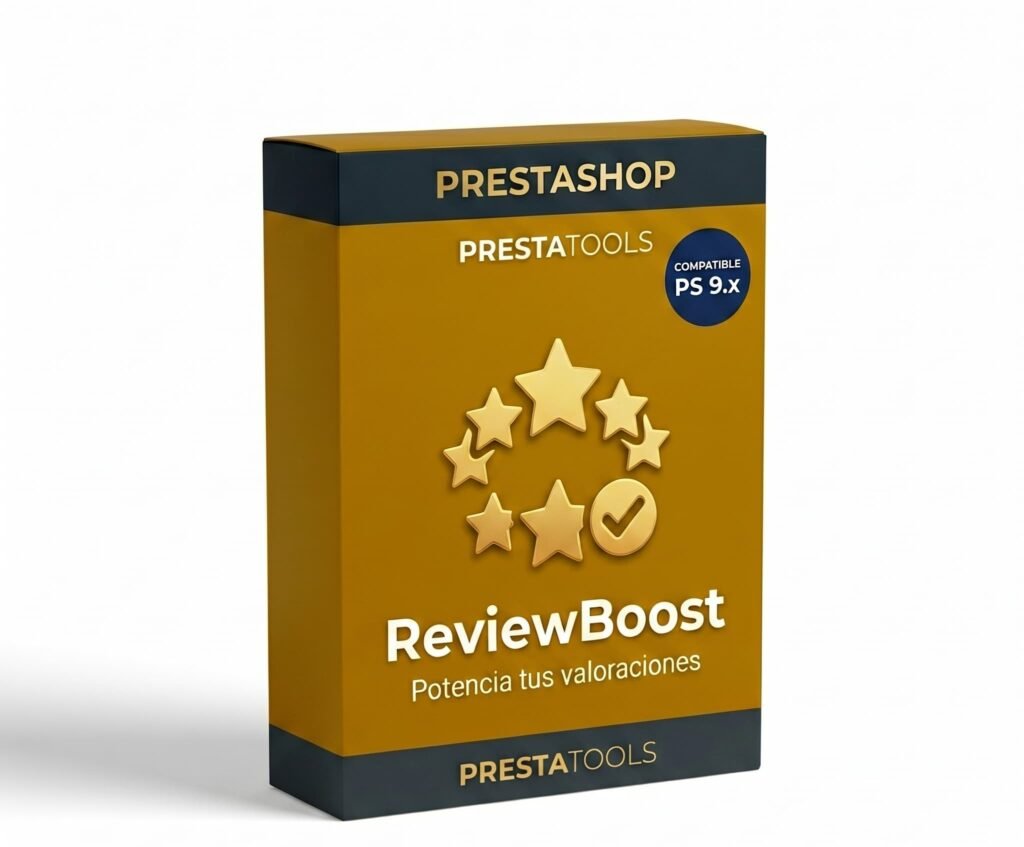
Frequently asked questions
Can I import reviews from other platforms to PrestaShop?
It depends on the solution you use. Some modules allow importing ratings from Google, Trustpilot or Amazon, although you need to consider each platform’s terms of use. In general, it’s preferable to generate reviews organically directly in your store, as they’re more relevant to the purchase context.
Do negative reviews hurt sales?
Not necessarily. A product with a 4.3-star average and varied reviews generates more trust than one with a perfect 5 stars and no criticism. Buyers distrust absolute perfection. What does hurt is not responding to negative ratings or having an average below 3.5 stars with no visible action from the store.
How many reviews do I need for them to have an impact?
The minimum threshold for reviews to consistently build trust is around 5 to 10 ratings per product. Below that number, the impact is limited. To reach it faster, the automatic post-purchase request system is the most effective tool available.
Do reviews affect Google rankings?
Yes, in two ways. First, they generate unique and updated content on product pages, which Google values positively. Second, if you have the structured data markup correctly implemented, your products can appear with stars in search results, which increases CTR and can indirectly improve rankings.
Conclusion
Customer reviews are not a decorative element. They’re a sales tool that works continuously, with no additional cost per impression or click, answering each new visitor’s doubts before they even ask them.
A PrestaShop store with verified reviews, stars visible in the product listing and rich snippets in Google has a real competitive advantage over stores in the same sector that don’t have them.
The first step is the simplest: activate a rating system in your store, start asking your current customers for reviews and measure the impact on your conversions. Results are usually visible sooner than you’d expect.
¿Buscas módulos PrestaShop que no fallen cuando tu tienda crece?
En PrestaTools desarrollamos módulos pensados para entornos reales. Código limpio, sin impacto en velocidad y soporte técnico directo.
Ver catálogo de módulos →