How to Improve PrestaShop’s Search Engine and Boost Sales
· prestatools · 8 min read

Your store has products. It has traffic. It has well-crafted descriptions and decent photos. But there is one element that most PrestaShop stores neglect, and it silently costs them sales every single day: the search bar.

When a customer uses the search bar, they are sending a clear signal: they know what they want and they are ready to buy it. They are the highest-intent visitor in your entire store. And if the search fails them — if they cannot find the product, if it takes too long, if it does not understand what they typed — that customer leaves. Silently. Without complaining. They just don’t buy.

2–3×
Higher purchase probability for users who use the search bar

0%
Abandon the store if they cannot find the product when searching

0/3
Of all searches contain some kind of typo

These are not catalog or pricing problems. They are tool problems. And they have a solution.


Why this happens in PrestaShop

PrestaShop es una plataforma sólida, pero su buscador nativo fue diseñado para ser funcional, no para convertir. Hace lo mínimo: acepta un texto, busca en la base de datos y devuelve una página de resultados. Sin más.

Ese modelo funcionaba en 2012. Hoy, los compradores online están acostumbrados a la experiencia de Amazon, El Corte Inglés o Zalando: el resultado aparece mientras escriben, con imagen, precio y nombre. No hay que pulsar ningún botón. No hay que esperar a que cargue una página nueva.

💡

The problem is not PrestaShop
The native search bar has not evolved at the same pace as shopper expectations. Compared to industry benchmarks, it feels outdated. And that gap translates directly into lost conversions.

The specific problems with the native search bar

No autocomplete
The user types, presses Enter, waits for the results page to load, and only then sees the products. That is three steps and a wait where there should be an instant response.

No typo tolerance
If the customer types “shrit” or “shoees”, the search returns zero results. It does not try to understand what they meant. It suggests nothing. It simply fails.

No images or prices while searching
The results page is a text list. Without the product image visible from the very first moment, the process is slower and the likelihood of abandonment increases.

No useful tracking
There is no way to know what your customers search for, which searches find nothing, or which terms are most frequent. It is a black box that gives you no data to improve.

Every search loads a new page
Every search interrupts the browsing flow. The customer loses context, waits for the page to load and has to reorient. Accumulated friction that directly hurts conversion.


What an intelligent search bar for PrestaShop should have

Un buscador pensado para convertir tiene que resolver varios problemas a la vez:

Speed. Results appear while the user types, without waiting for them to finish or press any button.

Visible images and prices. The customer does not want to read names, they want to recognize products at a glance.

Typo tolerance. “shirt”, “shrit” or “sihrt” should all lead to the same result.

Recent searches. When returning to the store, the customer sees their saved searches. Reduces friction and encourages repeat purchases.

Keyboard navigation. Arrows to move, Enter to select, Escape to close. No extra clicks needed.

Real statistics. What do your customers search for? Which searches fail? Data to refine your catalog and campaigns.


Without intelligent search vs. with intelligent search

Característica ❌ Native search ✅ Intelligent search
Results New page after Enter Dropdown while typing
Speed 1-3 seconds to load Under 200 ms
Images in results ✕ No ✓ Product thumbnail
Prices visible ✕ No ✓ Next to the name
Typo tolerance ✕ None ✓ Levenshtein + Soundex
Recent searches ✕ No ✓ Saved in browser
Statistics ✕ No ✓ Dashboard + CSV export
Conversion impact Baseline +15% to +30% on average

La diferencia no es estética. Es funcional y tiene impacto directo en cuántos clientes completan su compra.


SearchPro: intelligent search for PrestaShop

SearchPro is the module we developed at PrestaTools to solve exactly these problems. It does not replace your theme’s search bar — it enhances it by injecting a real-time suggestion dropdown over the input you already have, without touching your store’s design.

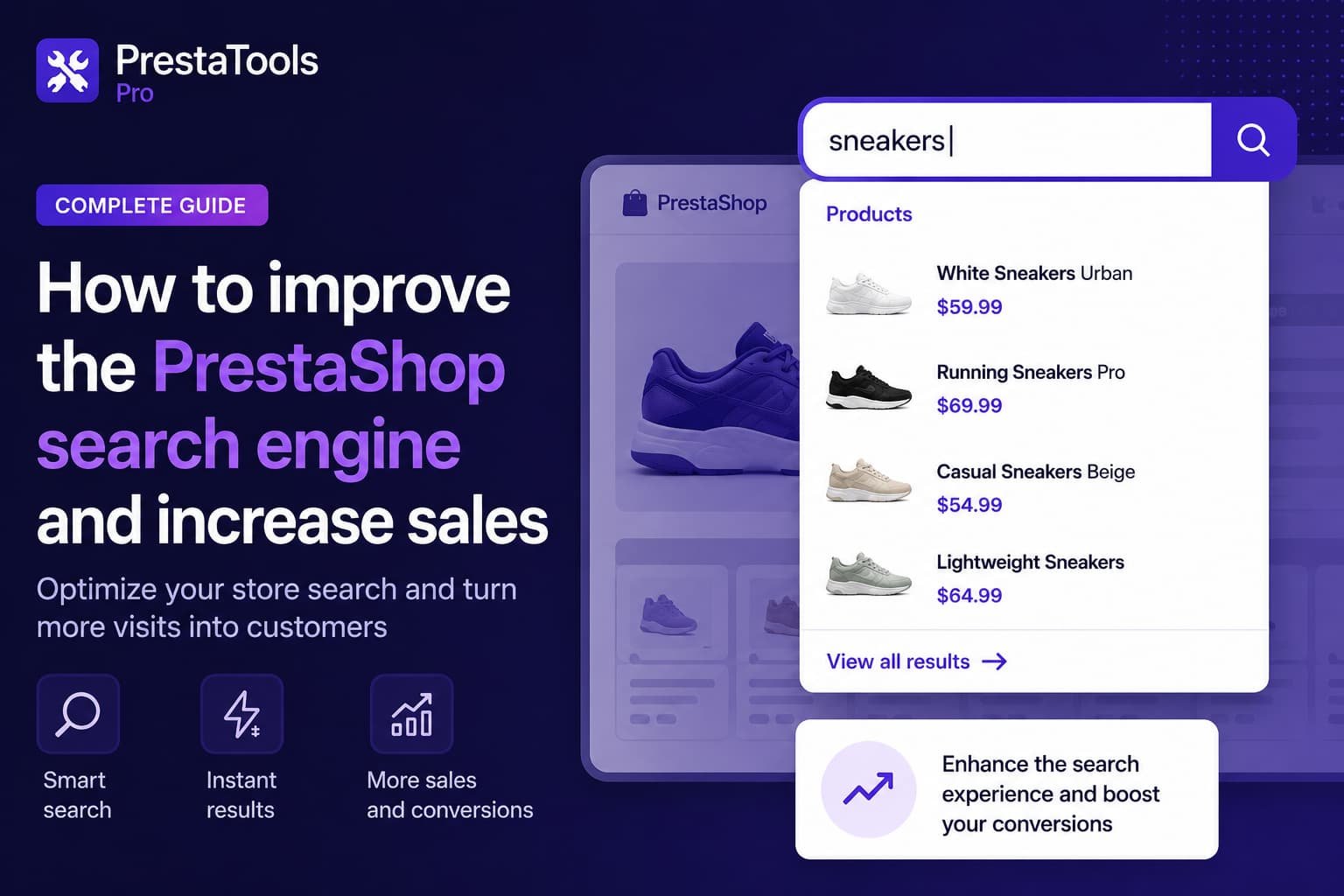
When the customer starts typing, SearchPro instantly shows the most relevant products with their image, name, price and category. If they make a typo and there are no exact results, it detects the intent and suggests a correction with a “Did you mean…?”. If they return to the store and click on the empty search bar, they see their locally saved recent searches.

No code, no hassle
Install from the back office in under two minutes. No code changes, no theme modifications, no server configuration.
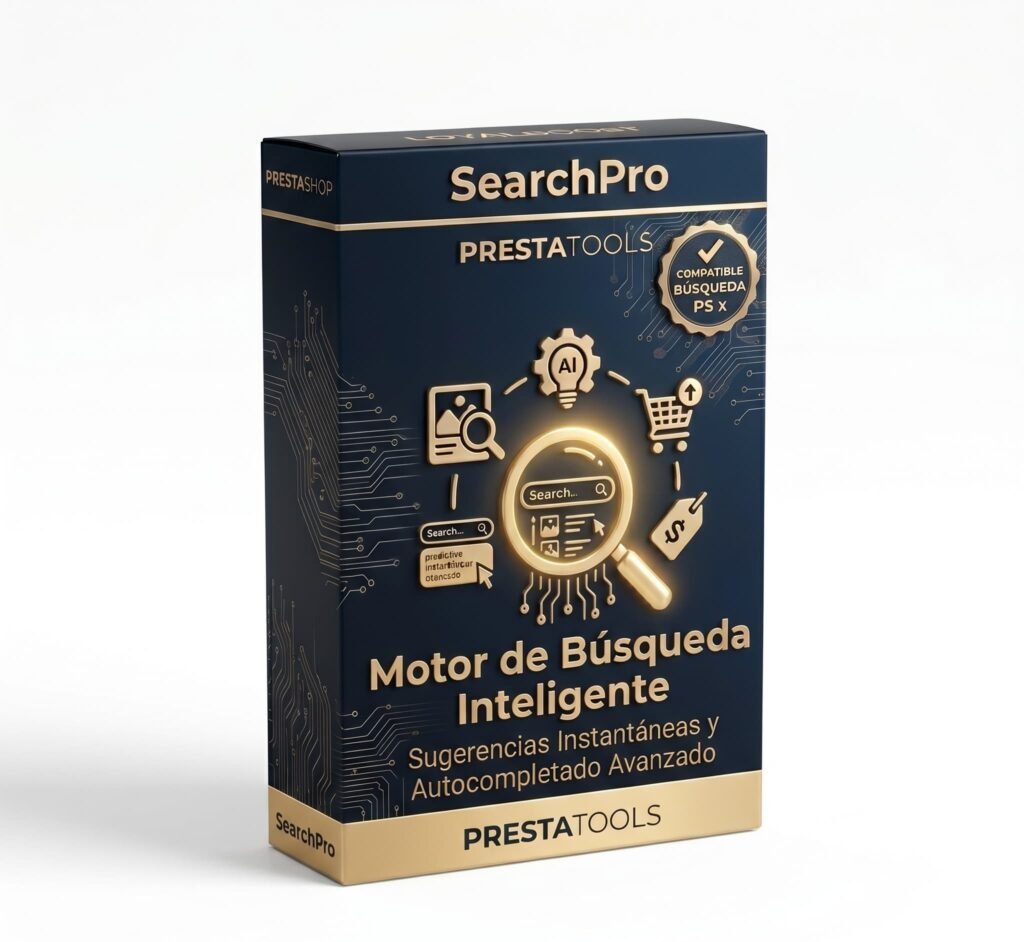
PrestaShop Module

SearchPro — Intelligent Search for PrestaShop

Real-time autocomplete, typo tolerance, product images and prices in the dropdown, recent searches and a full statistics dashboard.

View SearchPro →

SearchPro intelligent search module for PrestaShop

Compatibility with PrestaShop 1.7, 8.x and 9.x

SearchPro is compatible with PrestaShop 1.7.8 and above, all versions of PrestaShop 8, and PrestaShop 9.x. It works with the Classic theme and any custom theme that has a standard search input.

PrestaShop 1.7.8+
PrestaShop 8.x
PrestaShop 9.x
Tema Classic
Custom themes
PHP 7.2+

The search bar is your store’s most ignored salesperson

When a customer comes to your store and uses the search bar, they are doing the segmentation work for you. They already know what they want. They just need to find it quickly and with confidence.

A search bar that fails at that moment is not a minor technical issue. It is a sale that does not happen. Multiplied by every customer who uses the search bar every day.

The good news is that it is one of the easiest problems to solve in a PrestaShop store. And the impact is visible from day one.


Frequently Asked Questions

Does SearchPro replace my theme’s search bar? +
No. SearchPro enhances the search bar you already have by adding the suggestion dropdown above the native input. If the customer presses Enter without selecting any suggestion, the theme’s search bar works exactly as before.
Does it work with any PrestaShop theme? +
Yes, as long as the theme has a standard search input — which is practically every theme. SearchPro automatically detects the correct selector from the most common PrestaShop ones.
Does it affect store speed? +
The impact is minimal. The JS uses debounce to limit server requests, sessionStorage to avoid duplicate searches, and all SQL queries are indexed. Target response time is under 200 ms.
Can I see what my customers search for? +
Yes. The module includes a statistics panel where you can see total searches, most searched terms, searches with no results, and export the full log to CSV for external analysis.
What happens if the customer misspells a word? +
SearchPro includes typo correction based on the Levenshtein algorithm. If a search has no exact results and it detects a similar term in the catalog, it suggests the correction to the customer with a “Did you mean…?” in the dropdown itself.

¿Buscas módulos PrestaShop que no fallen cuando tu tienda crece?

En PrestaTools desarrollamos módulos pensados para entornos reales. Código limpio, sin impacto en velocidad y soporte técnico directo.

Ver catálogo de módulos →


Artículos relacionados

The Best PrestaShop Modules in 2026

How to Improve the Speed of Your PrestaShop Store

How to Improve SEO for a PrestaShop Store in 2026

¿Te ha resultado útil? Compártelo: