ES
ES  EN
EN  FR
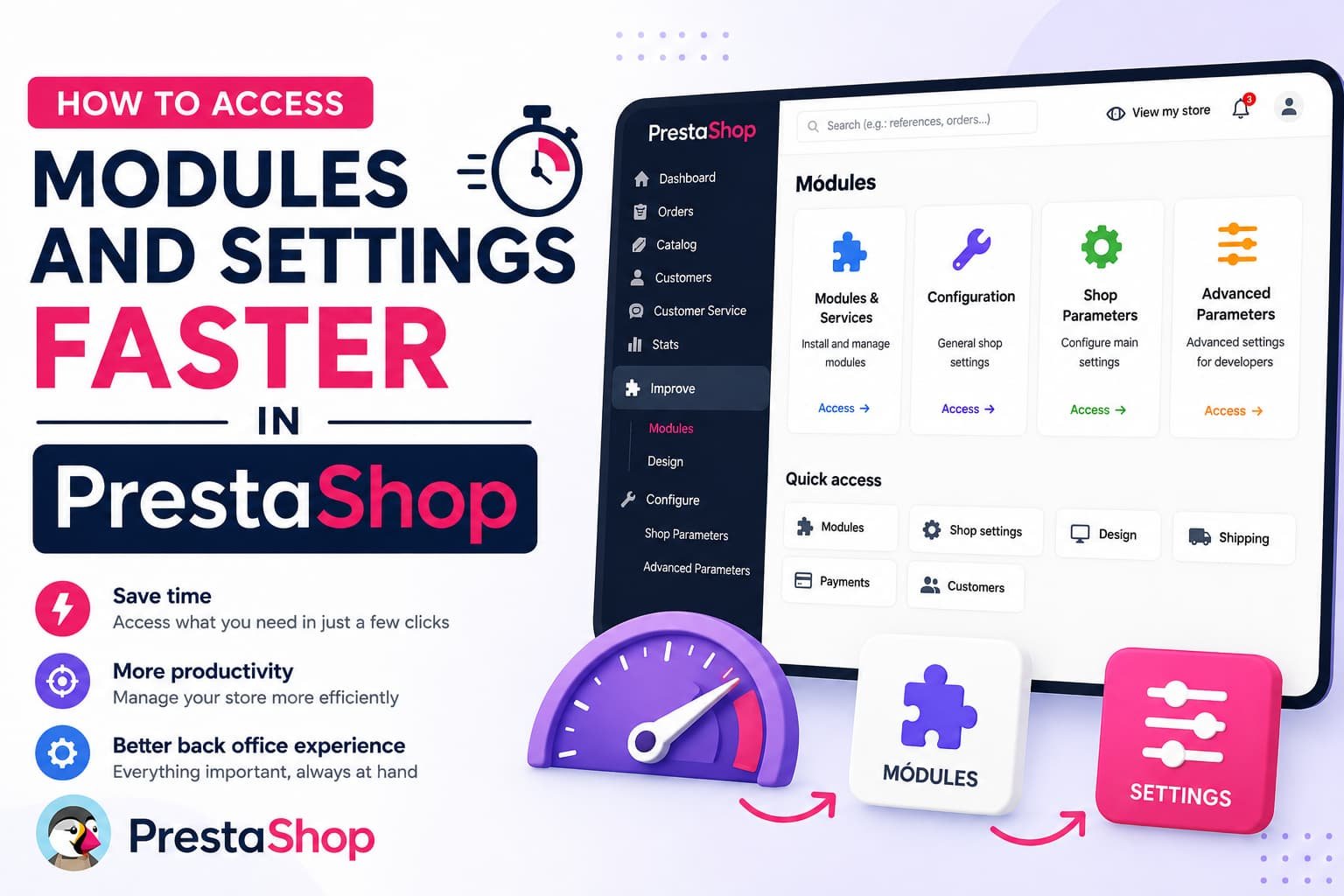
FR How to Access Modules and Settings Faster in PrestaShop
The problem nobody talks about
You open your store’s backoffice. You need to check an order. Then adjust a product price. Then check stock levels. Then handle a return. And in between, configure a module that just sent an alert.
Every one of those actions means navigating nested menus, remembering where each section lives, clicking three or four times to get where you need to go. Each one seems trivial. But together, throughout the day, it adds up to real time lost.
| 47times a day the average store admin accesses backoffice sections | 4–6clicks needed to reach a deep backoffice section | +15 minlost every day to unnecessary panel navigation |
Fifteen minutes a day is over 60 hours a year spent navigating menus instead of actually running your store.
Why this happens in PrestaShop
PrestaShop organises its backoffice logically for someone setting it up for the first time. But the typical day-to-day admin isn’t configuring anything — they’re managing. Their needs are different: quick access to the same places they always go, the ability to find something specific in seconds, and not having to remember which submenu hides each option.
The problem gets worse the more modules you have installed. Every new module adds entries to the menu and increases navigation depth. Finding the settings for one specific module among 40 installed ones takes longer than it should.
The solution: direct access to what you use
We built AdminBoost around a simple premise: 80% of backoffice work happens in the same 20% of sections. If those sections are instantly accessible, productivity improves without changing anything else.
AdminBoost adds three tools to the PrestaShop backoffice without modifying anything in your existing installation:
-
⚡
Side panel with quick access shortcuts
All main sections organised by category — Orders, Catalogue, Customers, Modules, Configuration, Statistics — one click away from any backoffice page. -
★
Drag-and-drop favourites system
Save your most-used sections with a single star click. Reorder them by dragging. They always appear at the top of the panel, before anything else. -
🔍
Instant spotlight search
Press Ctrl+K from any page and type what you’re looking for. Find backoffice sections and installed modules in under a second — no menus needed.
What changes in practice
- Side menu → submenu → click → click
- Remembering where each option lives
- Searching for a module among 40 installed
- Starting over from scratch for each task
- No personalised shortcuts per employee
- Alt+B → favourite → one click
- Usual sections always visible
- Ctrl+K and type the module name
- Panel available on every page
- Each employee sets their own favourites
Compatible with PrestaShop 1.7, 8.x and 9.x
AdminBoost works on any modern version of PrestaShop without conflicts. It doesn’t modify core templates, doesn’t alter the backoffice CSS and doesn’t interfere with other modules. It installs in seconds and builds the search index automatically.
The module is available in Spanish, English and French. Keyboard shortcuts are configurable per employee and saved in their browser, so every team member can adapt the module to their own workflow.
For stores with multiple employees
Each employee has their own favourites, independent of everyone else’s. A logistics manager will have Orders and Carriers saved; a catalogue manager will have Products and Categories. The panel adapts to the person using it, not the other way around.
An investment that pays for itself in hours
If AdminBoost saves 10 minutes a day for one person managing the backoffice, in a month they’ve saved over three hours of work. At that rate, the cost of the module is recovered within the first few weeks of use.
For stores with two or more admins, the return scales proportionally with the number of people using it.
PrestaShop Module
AdminBoost — Quick access and favourites for PrestaShop
Side panel, spotlight search and favourites system for the backoffice. Compatible with PS 1.7, 8.x and 9.x.
¿Buscas módulos PrestaShop que no fallen cuando tu tienda crece?
En PrestaTools desarrollamos módulos pensados para entornos reales. Código limpio, sin impacto en velocidad y soporte técnico directo.
Ver catálogo de módulos →