ES
ES  EN
EN  FR
FR Which Hosting to Choose for PrestaShop in 2026
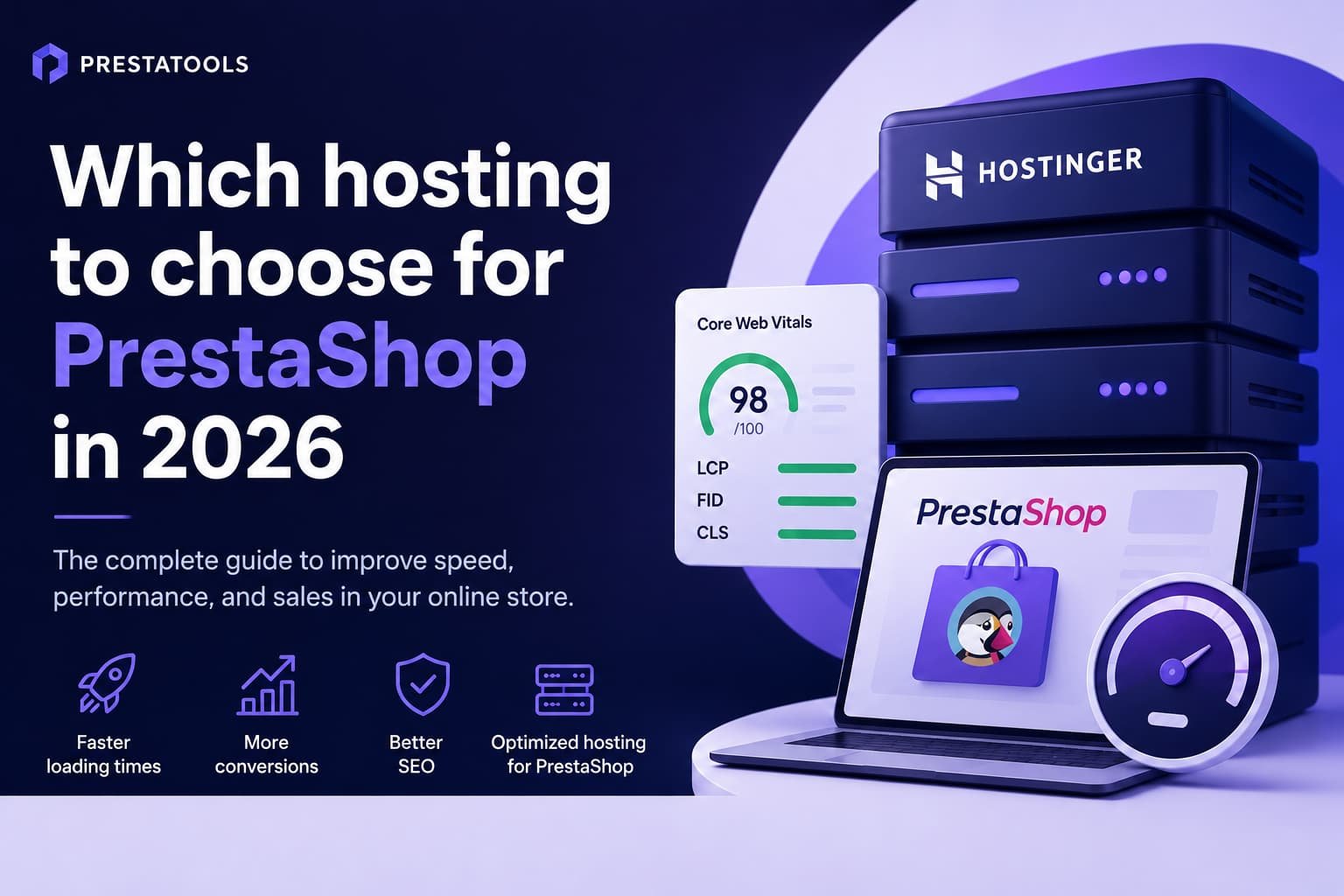
Many PrestaShop stores are slower than they should be. And in most cases, the problem is not in the code: it is in the server where they are hosted.
At PrestaTools we have spent years developing modules and analysing client installations. One of the first questions we ask when a store has performance issues is not “What version of PrestaShop are you on?”, but “What hosting are you using?”. The answer usually explains everything.
In this article we explain what a good hosting for PrestaShop needs in 2026, what mistakes to avoid, and why we have been recommending Hostinger to our clients for a while now.
Speed is not a luxury: it is conversion
There is a direct relationship between a store’s load time and its conversion rate. This is not an opinion: it is documented with real data from millions of sessions.
Speed and business — figures that matter
more bounce rate when load time goes from 1s to 3s (Google)
improvement in TTFB can mean 8% more conversions (Deloitte)
Core Web Vital that directly impacts Google search rankings
Google has been using Core Web Vitals as a ranking signal for several years. A slow store does not just lose customers directly: it also loses organic visibility. Hosting is the first link in that chain.
How hosting actually affects PrestaShop performance
PrestaShop is a PHP application with a MySQL database, image management, third-party modules and a Smarty template layer. All of that consumes server resources. When the server is oversold, the impact shows on every single request.
TTFB: the metric nobody checks (but should)
Time To First Byte is the time it takes the server to send the first byte of response to the browser. It is the most direct indicator of hosting quality. A TTFB above 600ms on standard shared hosting is common. A well-configured one should be under 200ms.
“If your TTFB exceeds 500ms, no frontend optimisation is going to save you. The bottleneck is in the server, not the code.”
CPU and RAM: what the spec sheet doesn’t tell you
Many hostings sell plans without clearly specifying the CPU allocation. PrestaShop, especially with third-party modules and large catalogues, can be demanding on processing power. A server with shared CPU at its limit turns every request into a waiting game.
NVMe vs SSD vs HDD: it really matters
The disk type directly affects database queries and cache file reads. An NVMe disk can be 5 to 10 times faster than a conventional SSD on random operations. In PrestaShop, with dozens of queries per page, that difference is felt.
PHP 8.x
OPcache
HTTP/2
Redis
Server-side cache: the difference between 4s and 400ms
PrestaShop has its own cache layer, but it depends on the server supporting it properly. Options like Redis or Memcached for session and object storage can multiply performance on medium-to-high traffic stores.
Server location
If your store sells primarily in Europe, the server should be in Europe, ideally in a central European datacenter. Every extra millisecond of latency adds up. Selling in Europe with a server in the US is a mistake your conversion rate will pay for.
The most common mistakes when choosing hosting for PrestaShop
These are the most common patterns in underperforming stores we audit.
| ✗ | Choosing by price alone. A €1/month hosting is almost never suitable for a production PrestaShop store. |
| ✗ | Not checking TTFB before signing up. Many providers show unrealistic benchmarks. Look for independent reviews. |
| ✗ | Ignoring the available PHP version. PrestaShop 8.x requires PHP 8.1 or higher. Some hostings still offer PHP 7.x by default. |
| ✗ | Overlooking technical support. When something goes wrong at 2am, you need someone who responds. Not all providers guarantee that. |
| ✗ | Choosing generic hosting not optimised for PHP/MySQL. Some hostings built for WordPress are not properly configured for PrestaShop. |
What a good PrestaShop hosting must have in 2026
There is no single perfect checklist, but there are minimum requirements for PrestaShop to run well in production:
| ✓ | PHP 8.1 or higher with OPcache enabled |
| ✓ | MySQL 5.7+ or MariaDB 10.4+ with an optimised configuration |
| ✓ | NVMe drives (not just conventional SSD) |
| ✓ | At least 512MB RAM per PHP process (ideally 1GB) |
| ✓ | HTTP/2 or HTTP/3 support |
| ✓ | Control panel with SSH access and advanced settings |
| ✓ | Integrated or compatible CDN for static assets |
| ✓ | Free SSL certificate with automatic renewal |
| ✓ | European datacenter for stores targeting the European market |
Hostinger — The hosting we use at PrestaTools
NVMe drives, PHP 8.x, European datacenters, hPanel control panel and 24/7 support. A quality-to-price ratio that is hard to beat in the market.
Why we use Hostinger at PrestaTools
This is not a catalogue recommendation. It is the one we actually use.
When we migrated some of the projects we manage to Hostinger, the results were immediate. TTFB went from 600–900ms on generic shared hosting to consistently under 200ms. Core Web Vitals turned green on most pages without changing a single line of code.
What we value most day to day:
| → | hPanel is clean and functional. No bloatware. Configuring PHP, creating databases and managing DNS is fast. |
| → | NVMe drives make a real difference. Database queries in PrestaShop are frequent. With NVMe, response time drops noticeably. |
| → | PHP 8.x available by default. No need to request exceptions or special configurations. |
| → | European datacenters. For our clients, we choose Lithuania or the Netherlands. Latency is minimal. |
| → | The pricing is honest. No renewal surprises. What you see is what you pay. |
Is it perfect? No. For very high-traffic stores or very specific needs, a managed VPS may be the right choice. But for 90% of PrestaShop stores, Hostinger covers the performance-to-price ratio very well.
Real comparison: slow hosting vs optimised hosting
This is the typical difference we observe when auditing stores before and after a hosting change:
| Metric | Generic shared hosting | Optimised hosting (e.g. Hostinger) |
|---|---|---|
| Average TTFB | 600ms – 1.5s | 80ms – 200ms |
| LCP | 4s – 7s | 1.2s – 2.5s |
| Disk type | HDD or SATA SSD | NVMe |
| PHP available | PHP 7.4 by default | PHP 8.1 / 8.2 / 8.3 |
| OPcache | Not active or misconfigured | Active by default |
| Core Web Vitals | Red / orange typical | Green with basic optimisation |
| Technical support | Email with days of waiting | 24/7 chat in minutes |
Hosting is the first step. Internal optimisation is the second.
Switching to a good hosting can bring an immediate and significant improvement. But there is a ceiling: once the server is fast, the remaining bottlenecks tend to be inside PrestaShop itself.
Poorly optimised modules, unindexed SQL queries, uncompressed images, render-blocking JavaScript… All of that persists even on an excellent server.
The combination that works best is exactly that: fast hosting as the foundation, and serious internal optimisation on top. Each layer solves different problems and they complement each other. They are not alternatives — they are cumulative.
Conclusion: there is no fast store on slow hosting
If your PrestaShop store loads slowly, before reviewing the code, before changing the theme, before commissioning a complex audit: check where it is hosted.
Hosting is not a cost to minimise. It is the infrastructure your online business runs on. A poorly chosen server can cost you more in lost conversions than what you save on the monthly fee.
Our recommendation in 2026: NVMe drives, properly configured PHP 8.x, European datacenter and real support. Hostinger meets those requirements with a price proposition that is hard to match.
Try Hostinger with a money-back guarantee
30-day money-back guarantee. No commitment. If your store performance does not improve, you lose nothing.
This article contains affiliate links to Hostinger. If you sign up through them, PrestaTools receives a small commission at no extra cost to you. We only recommend services we use and trust.
¿Buscas módulos PrestaShop que no fallen cuando tu tienda crece?
En PrestaTools desarrollamos módulos pensados para entornos reales. Código limpio, sin impacto en velocidad y soporte técnico directo.
Ver catálogo de módulos →